See Projects at a Glance
Hover a preview to see its plan
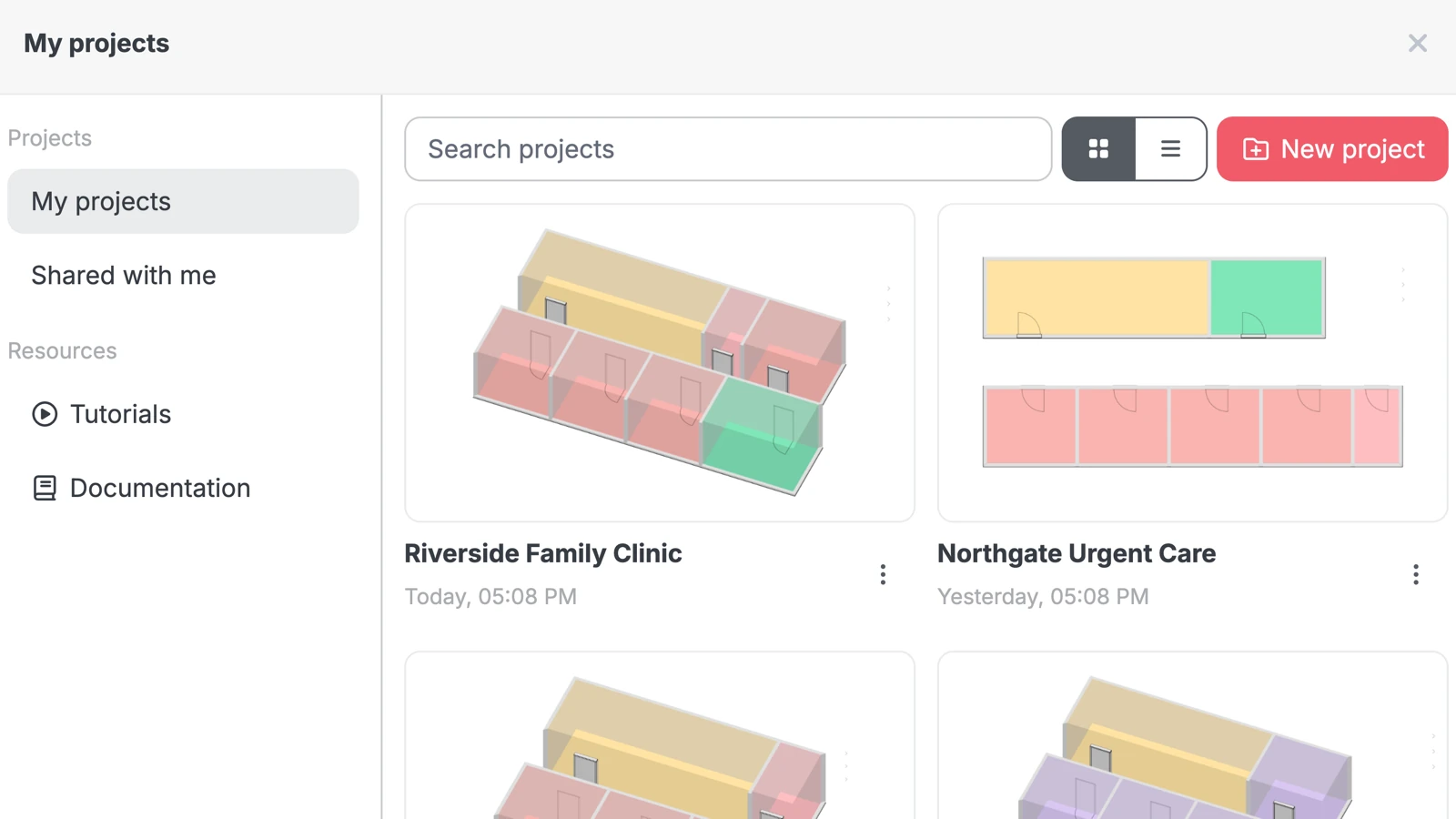
Pulling up a project during a client call? Even if you only remember the look, now you can find the project from its preview, so your client gets answers mid-call.
Here’s how it works:
- Choose Open project from your menu
- Pick your own or shared projects
- Hover a tile to see its plan
See a picture of each project before opening
- Save and see the picture update in about ten minutes
- Switch to List view to see names and dates