Edit Levels
Add or clear floors by dragging spaces
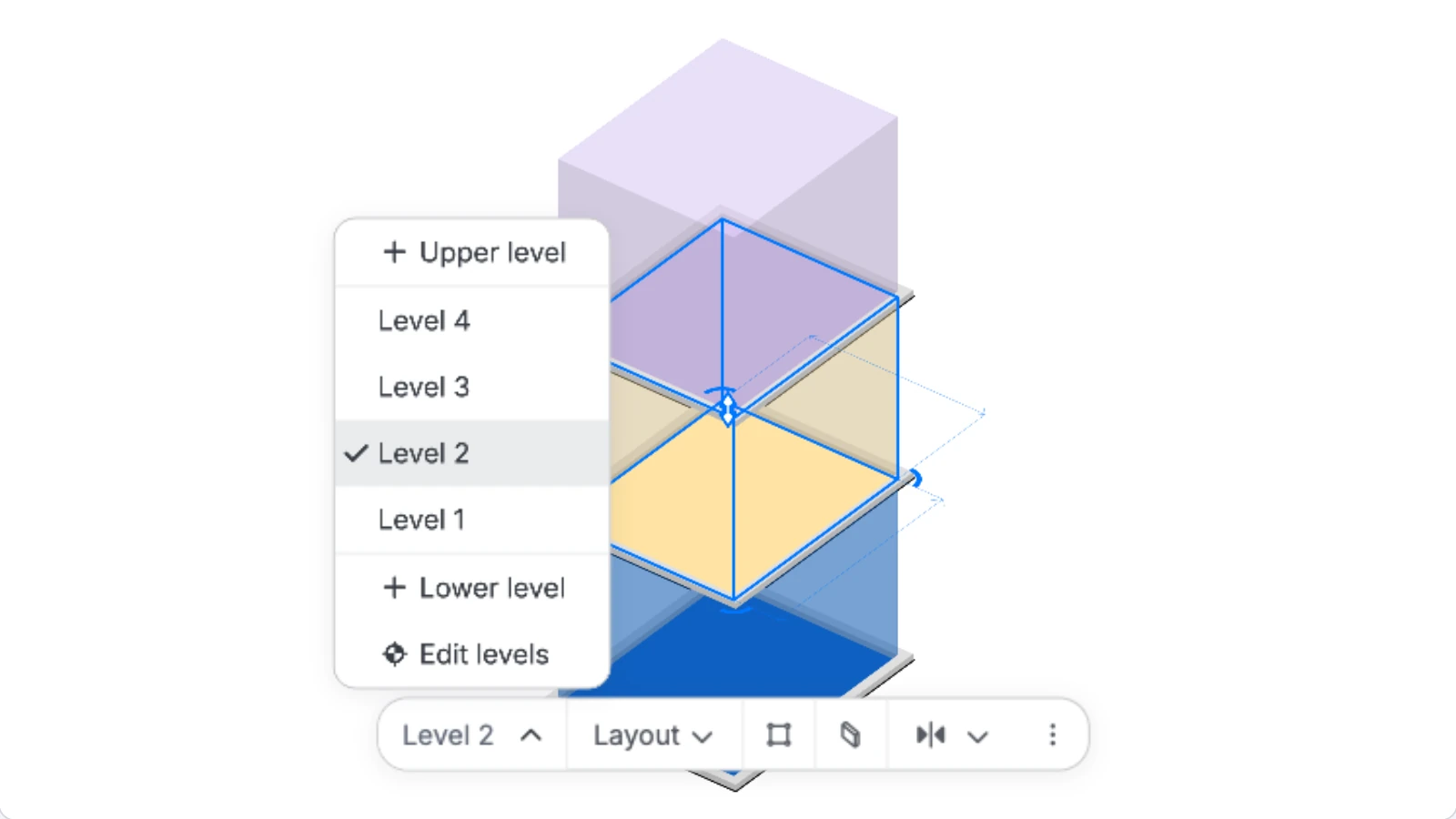
Showing a client what one more level does to a stacking plan? Even if your client wants two basement levels, now you can drag parking down, so you test the change without level setup.
Here’s how it works:
- Select a space in 3D to show a vertical handle
- Drag it past your top or bottom floor
- Move spaces off any floor you remove
Get a stacking plan with the floors you need
- Hold Alt and drag a space up to copy it to a new level
- Type a new elevation in Edit levels to leave other levels in place