Adjust Floor Heights
Restack your building level by level
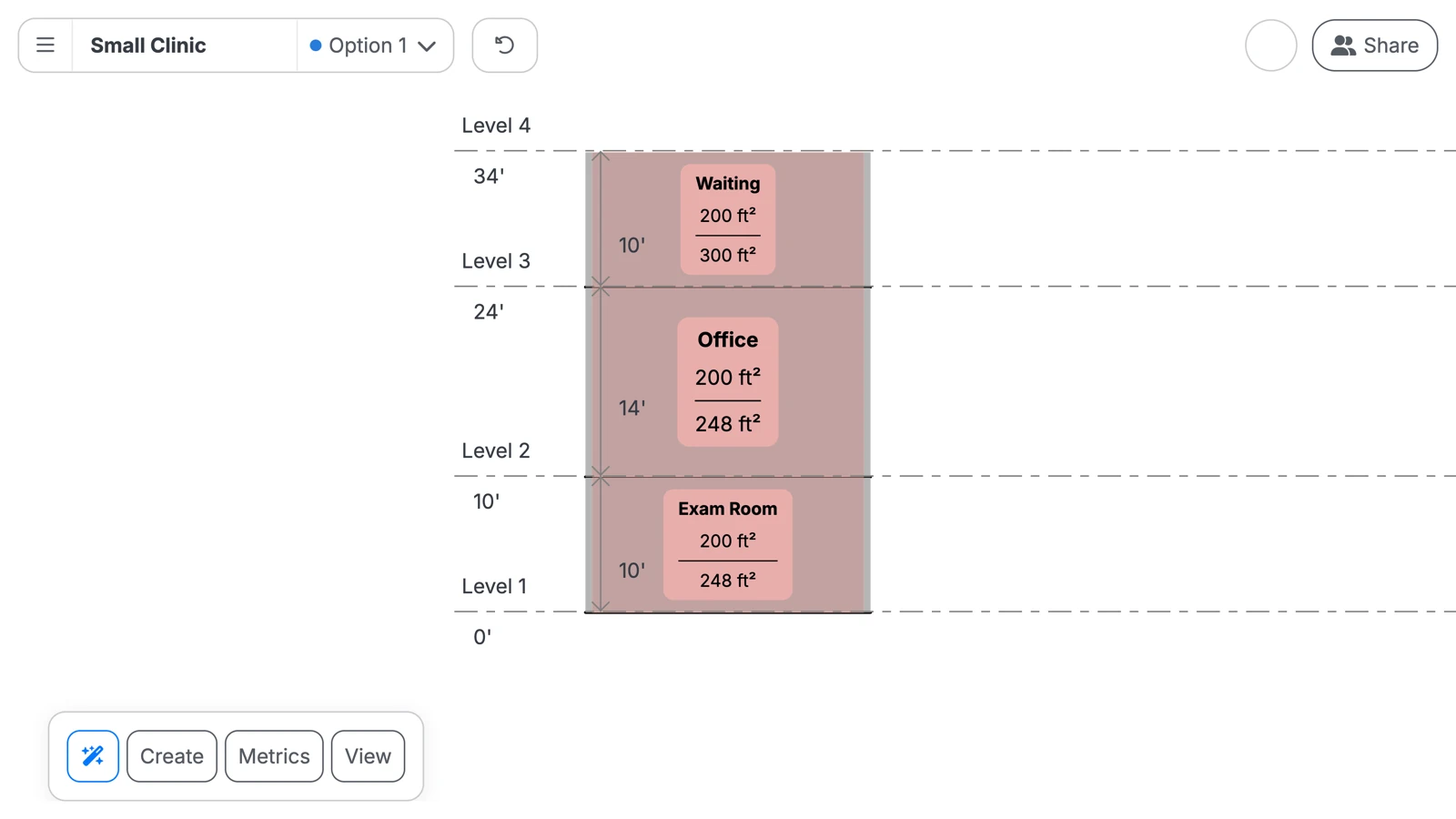
Showing a client how floor-to-floor height changes a building section? Even if your client adds a mechanical level, now you can edit each level, so your section matches the building.
Here’s how it works:
- Choose Edit levels in your level picker
- Type a floor-to-floor value for a level
- Check that levels above shift to match
Get a stack of levels at the spacing you chose
- Build stacking diagrams to scale
- The stack updates as you change each one