Keep Furniture in Place
Reshape spaces without moving furniture
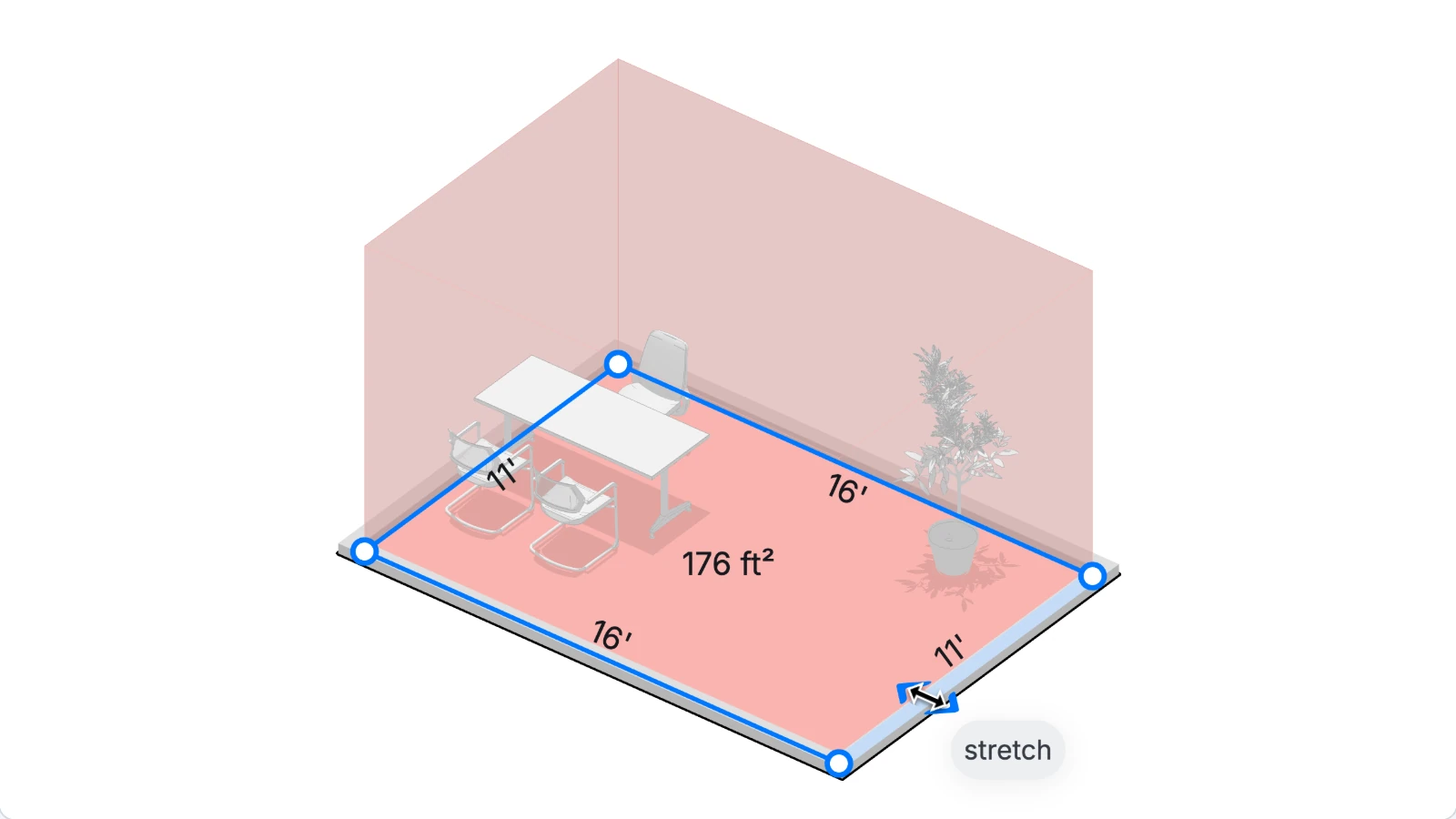
Reshaping a space while your client watches? Even if a space grows 2 feet, now you can move walls and keep the furniture, so your client sees only the change requested.
Here’s how it works:
- Click Edit Shape on a selected space
- Drag a wall or corner to the new outline
- Click outside the space to finish
Get a new space shape, furniture untouched
- Use Edit Shape or double-click the space
- A normal stretch still carries furniture along