Stretch Spaces
Move one side and leave the rest in place
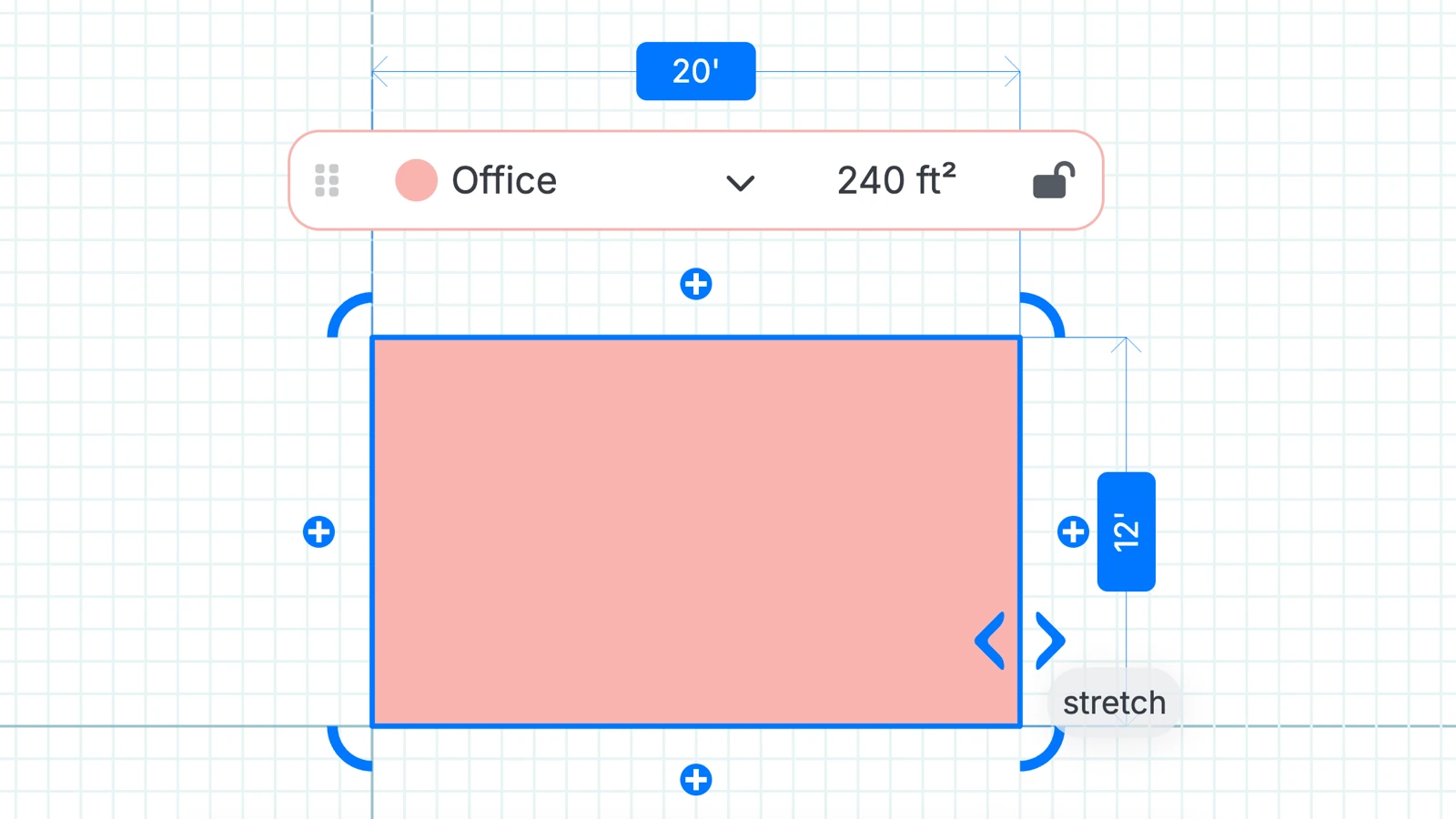
Giving one space more depth before a client review? Even if a space shares walls with three neighbors, now you can stretch one edge and leave the neighbors in place, so you adjust spaces during the review.
Here’s how it works:
- Select a space to show edge handles
- Drag one handle to move only that side
- Release to set the new size
Get a resized space with neighbors untouched
- Drag an edge toward the next space to stop at its boundary
- Hover an edge to see which way it moves