Edit Wall Thickness
Type a value or drag a wall face
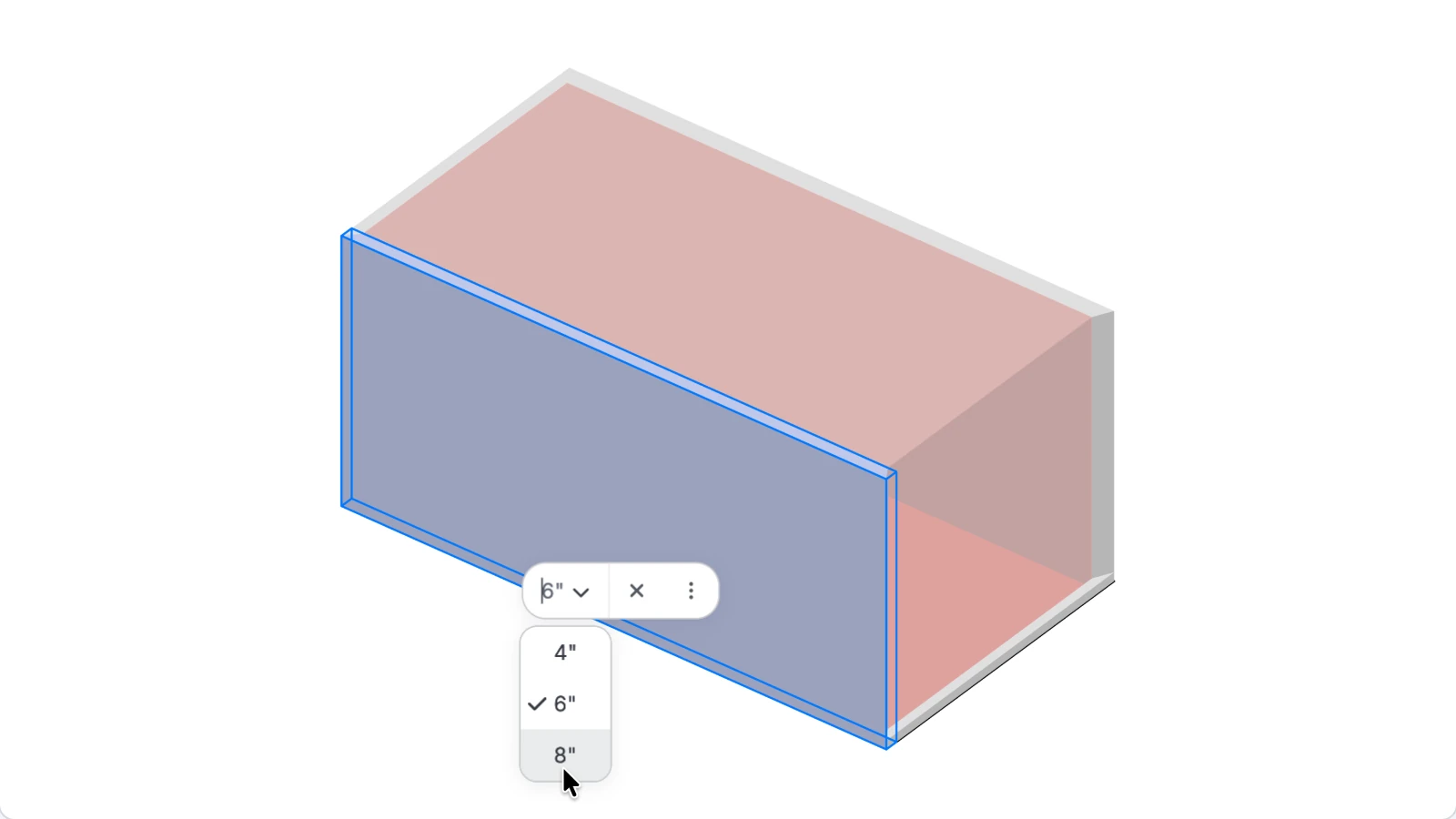
Keeping space areas correct once walls have thickness? Even if your client fixes classroom areas, now you can type a thickness, so each space keeps its program area.
Here’s how it works:
- Select a wall of your space
- Click Add Wall if the wall has no thickness
- Type a value in Thickness
Get walls that take up their own width
- Drag a wall face to change its thickness