Open Walls
Open spaces onto corridors
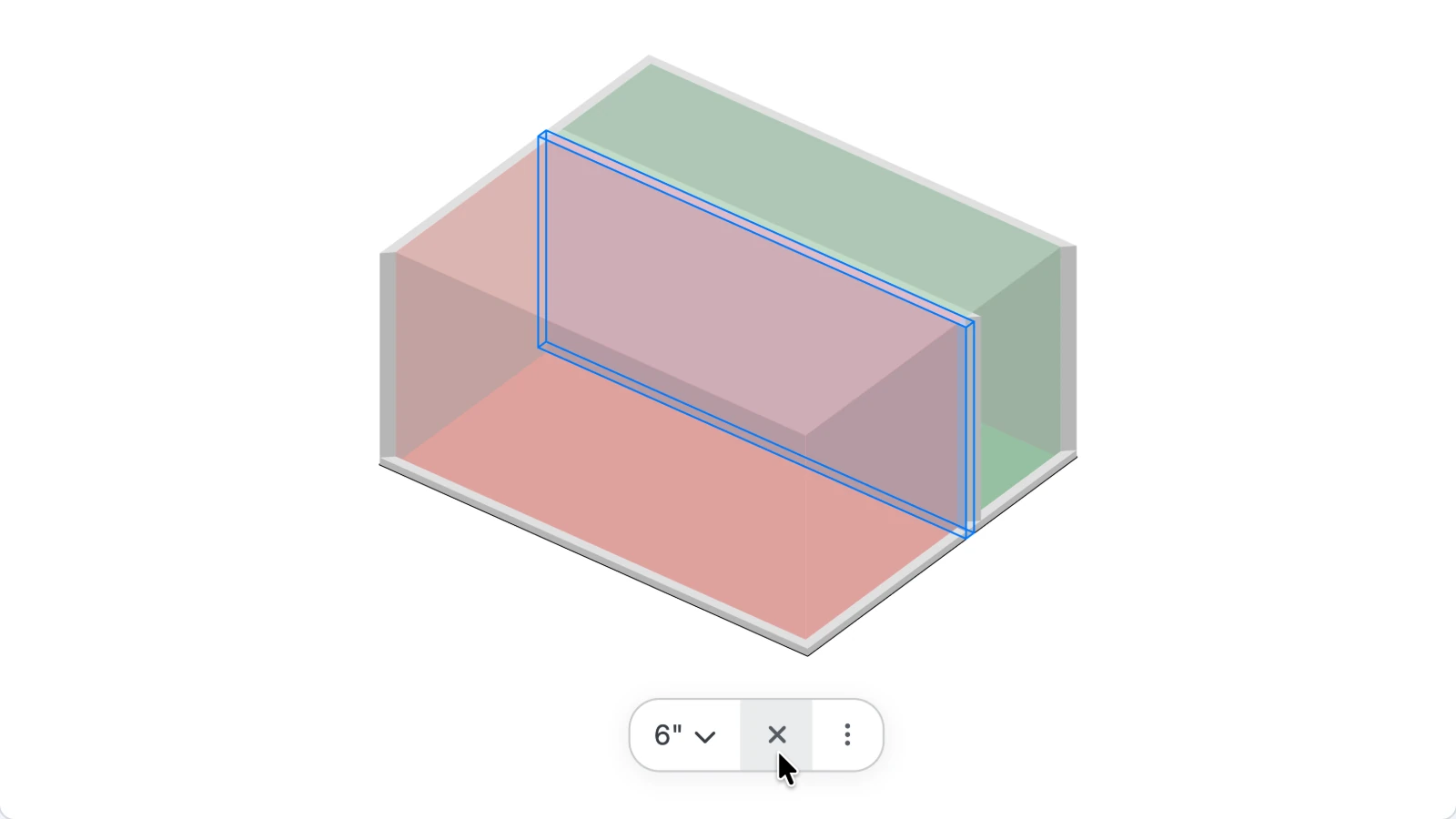
Showing a client a space that opens onto a corridor? Even if your client changes course twice, now you can remove and restore the wall, so you test open layouts with your client.
Here’s how it works:
- Select an edge between two spaces
- Click Remove Wall
- Click 3D to check the opening
Get a space that flows into its corridor
- Works for alcoves and open areas