Pin Underlays
Lock an underlay in place while you edit
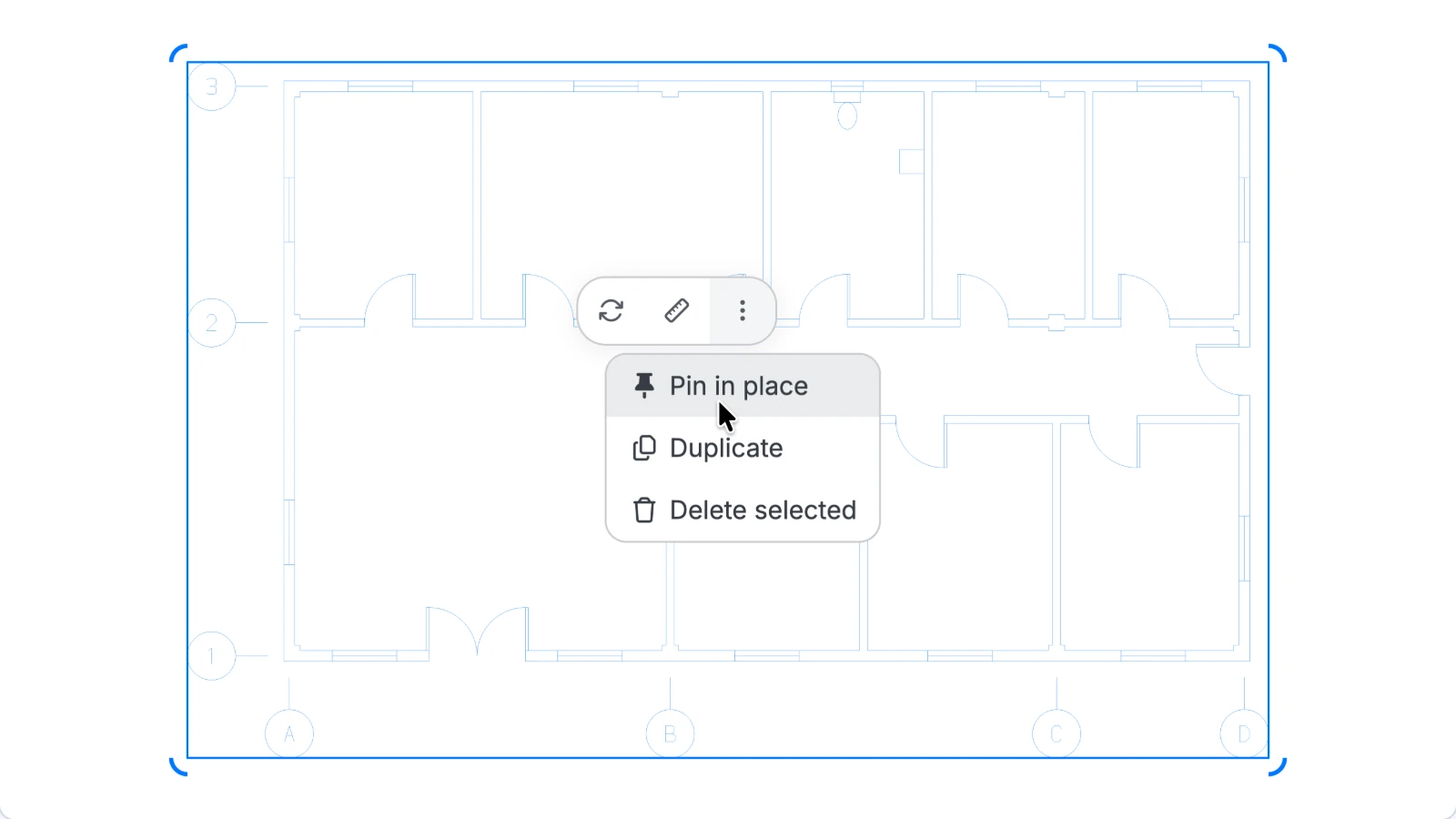
Keeping a client's DWG fixed under your design? Even if your client asks for changes live, now you can pin the DWG, so you edit without shifting your spaces.
Here’s how it works:
- Open Actions on your underlay
- Choose Pin in place
- Edit spaces on top of the pinned file
Get a reference that holds its position
- You can still select it; it just won't move
- Stays locked for everyone on the project