Switch Project Units
Match your underlay in metric or imperial
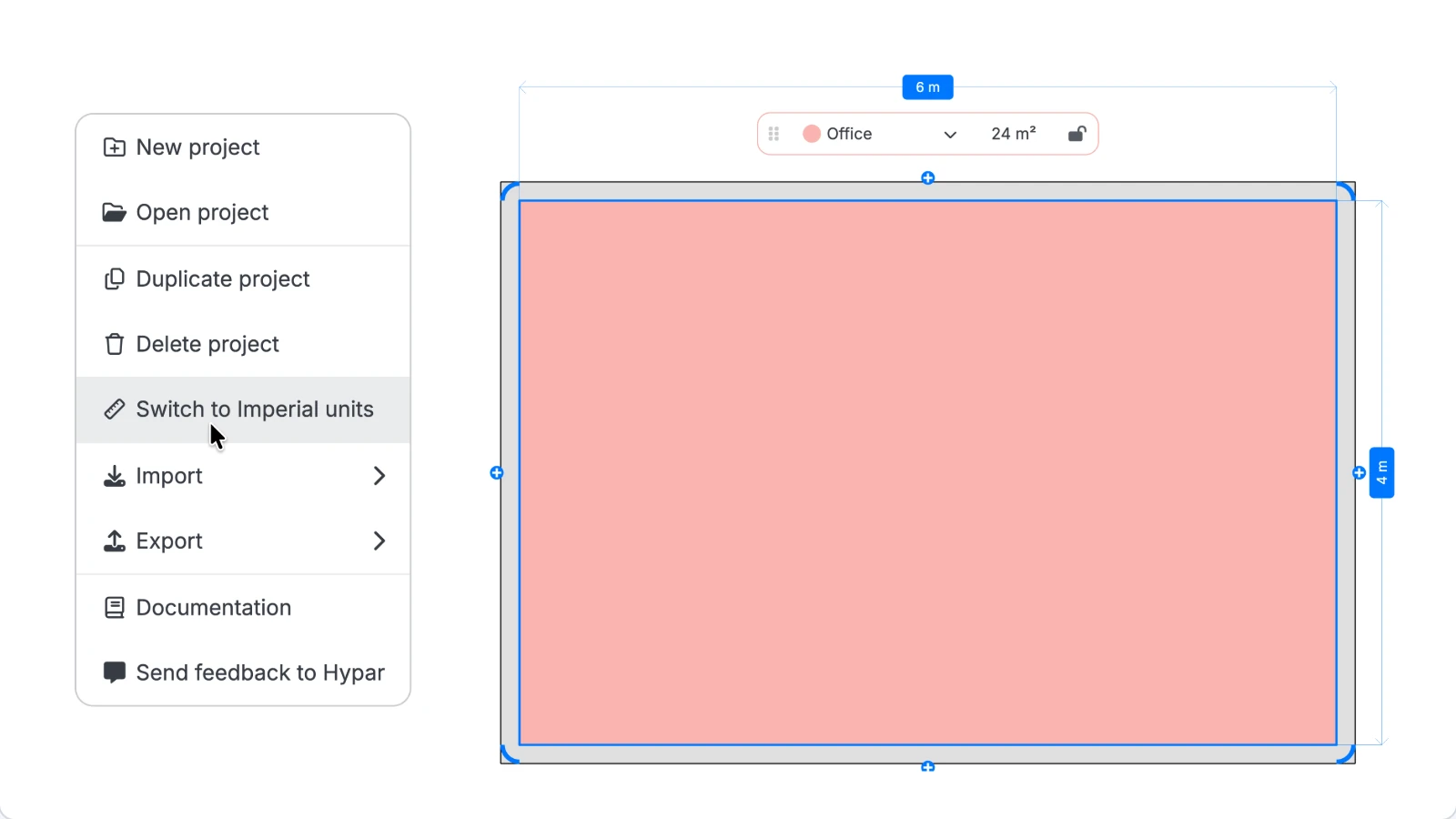
Matching your project to a client's measuring system? Even if your client's PDF is metric, now you can switch units with one click, so you place spaces at the right size.
Here’s how it works:
- Open Import › Image Underlay
- Click the ruler suggestion in chat
- Or switch units from the Project menu
Get a project measuring in the same system as your underlay
- Offered after you import a PDF or image
- Only appears when the units differ