Snap to PDFs
Place walls on the lines of a vector PDF
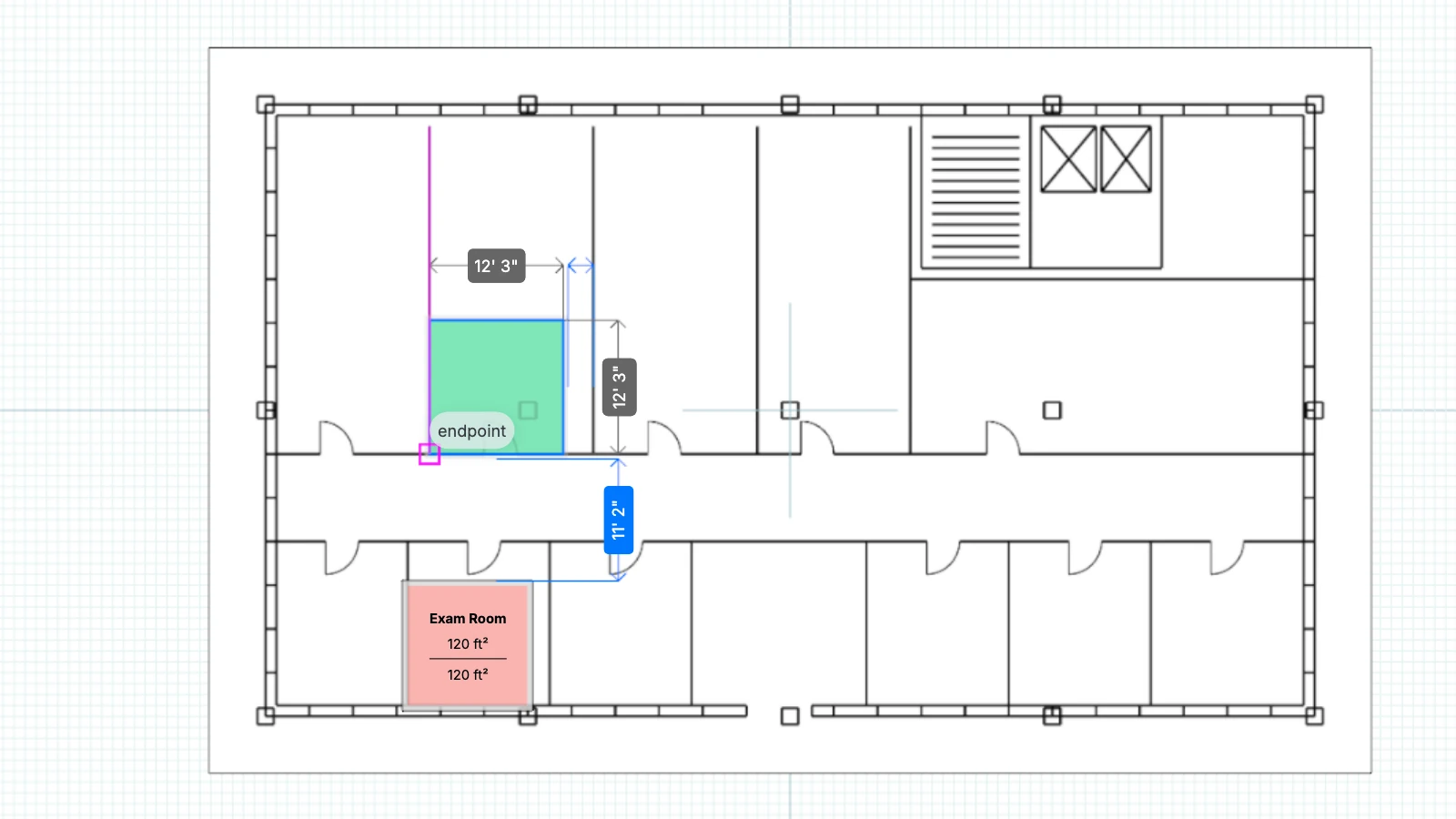
Matching a client's survey when you place walls? Even if the survey sits at an angle, now you can snap walls to the survey lines, so each option starts from true conditions.
Here’s how it works:
- Open Import › Image Underlay
- Add a space near a line
- Watch endpoints light up on the lines
Get walls that follow the lines of the drawing
- Works on vector PDFs, not scanned images
- Walls, spaces, and furniture lock onto its lines