Change Units
Correct units to get true size
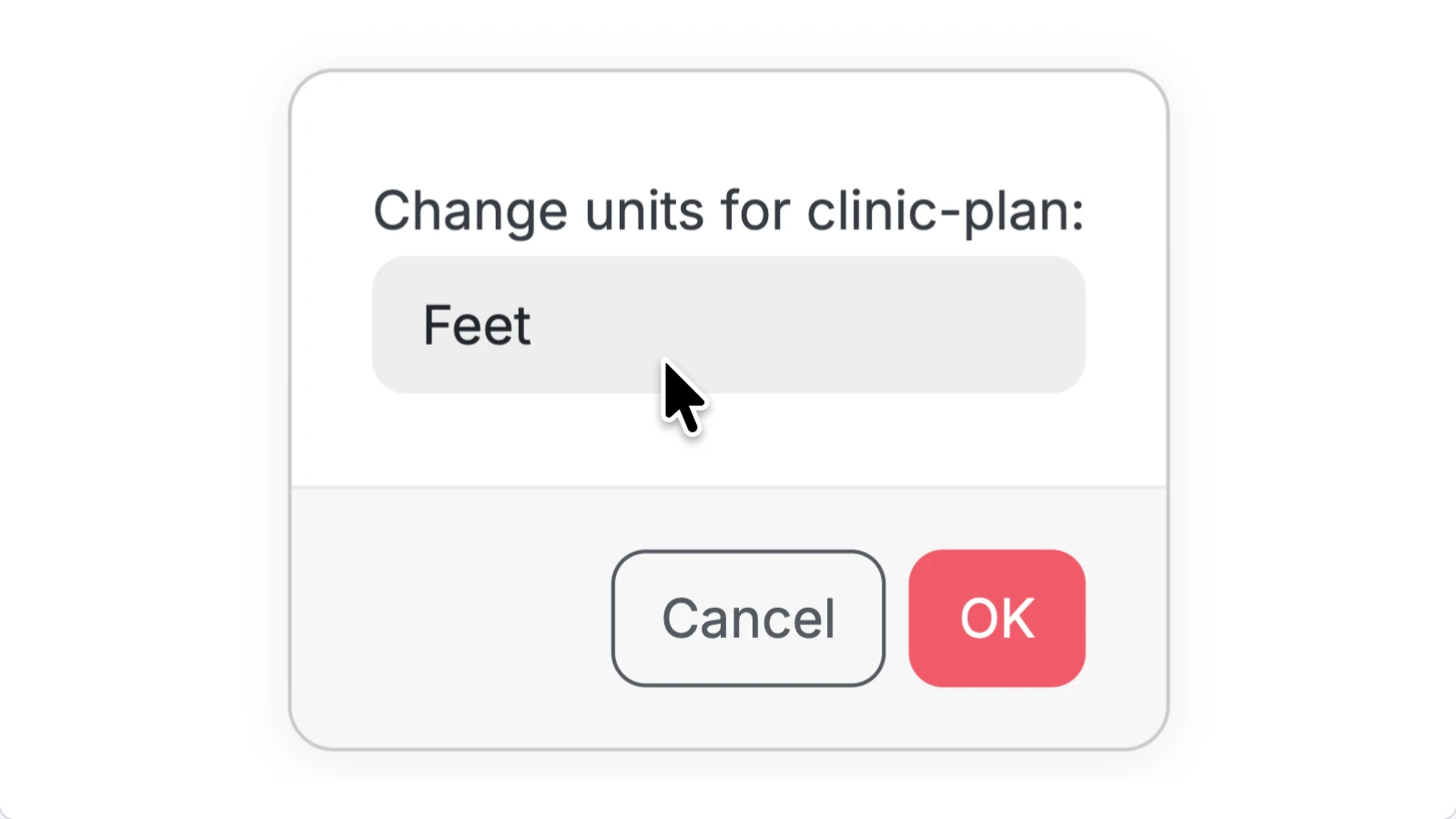
Starting a layout over a consultant's DWG at the right scale? Even if the DWG is in millimeters, now you can correct the units, so the spaces you place fit the walls.
Here’s how it works:
- Click Change Units on a CAD underlay
- Pick the unit your file uses
- Check the size against your plan
Get an underlay that measures correctly
- The underlay rescales in place
- Pick inches, feet, millimeters, centimeters or meters