Snap to CAD Underlays
Add spaces that lock onto DXF lines
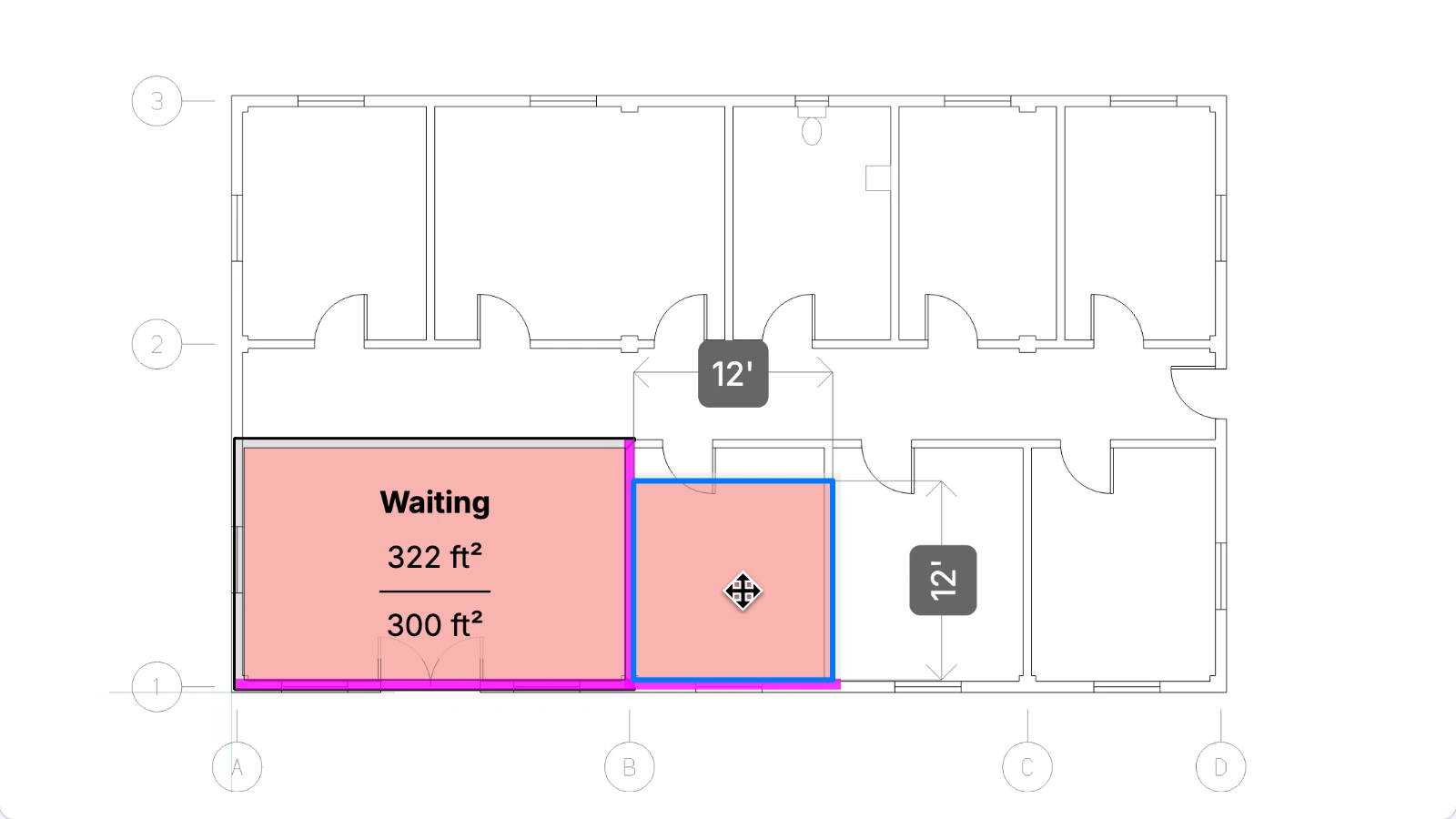
Building on a consultant's CAD underlay at true scale? Even if a DXF holds dense linework, now you can snap spaces to the lines, so you work at sketch pace.
Here’s how it works:
- Import › CAD Underlay (DXF, DWG)
- Add a space near the drawing lines
- Click when the cursor snaps to a line
Get spaces that match the geometry of the drawing
- The DXF sits under your design as an underlay
- Spaces lock onto its geometry