Round Columns and Clearances
Set the shape of selected columns
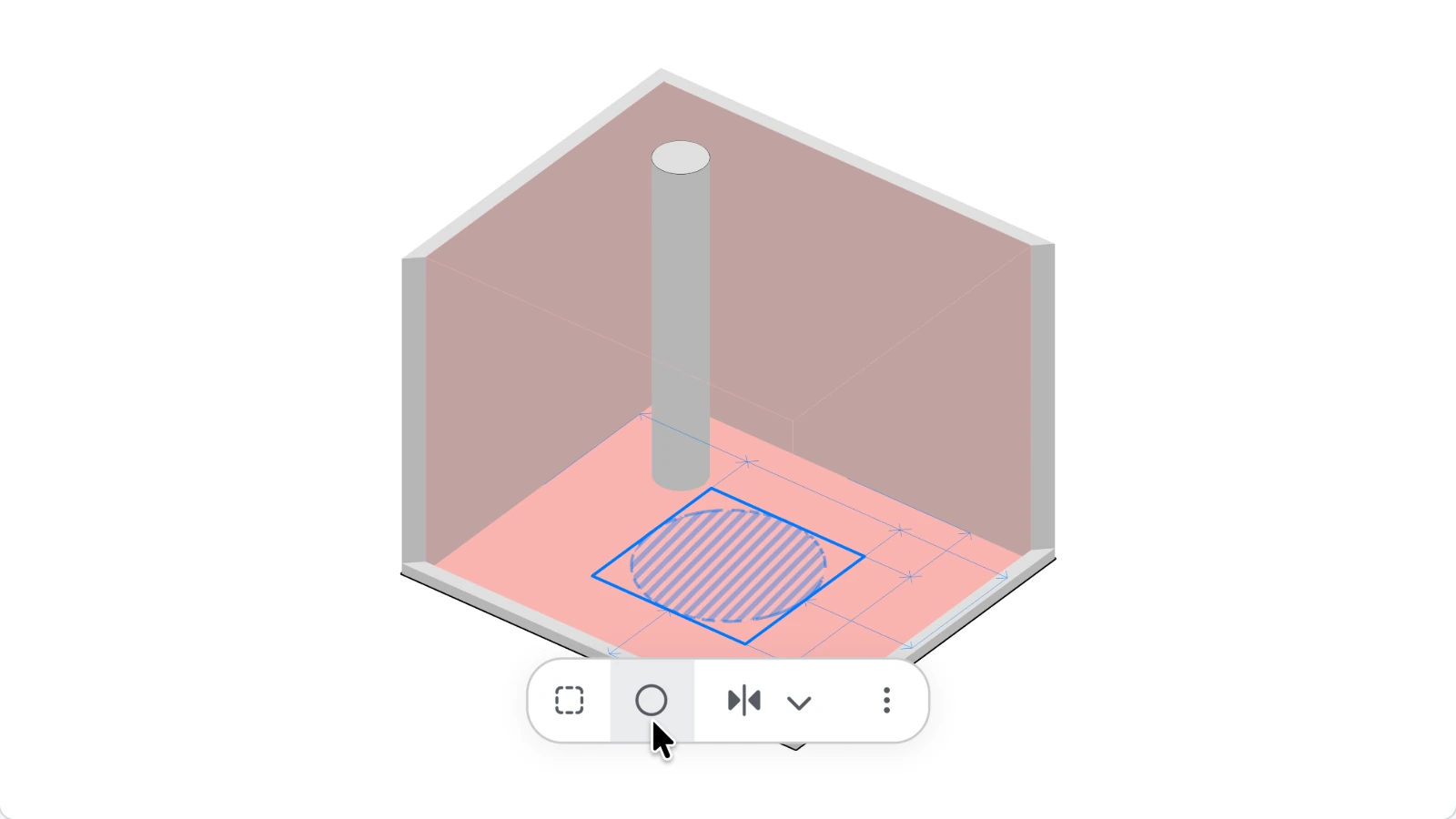
Changing the shape of several columns? Even if 30 columns must turn circular, now you can click Make round once, so your client trusts the column shapes on the plan.
Here’s how it works:
- Select columns or clearances
- Click Make round on the selection toolbar
- Click Make rectangular to switch back
Get circular shapes across the selection
- Works on a whole selection
- Switch back the same way