Add Planning Grids
Lay out spaces on an even grid
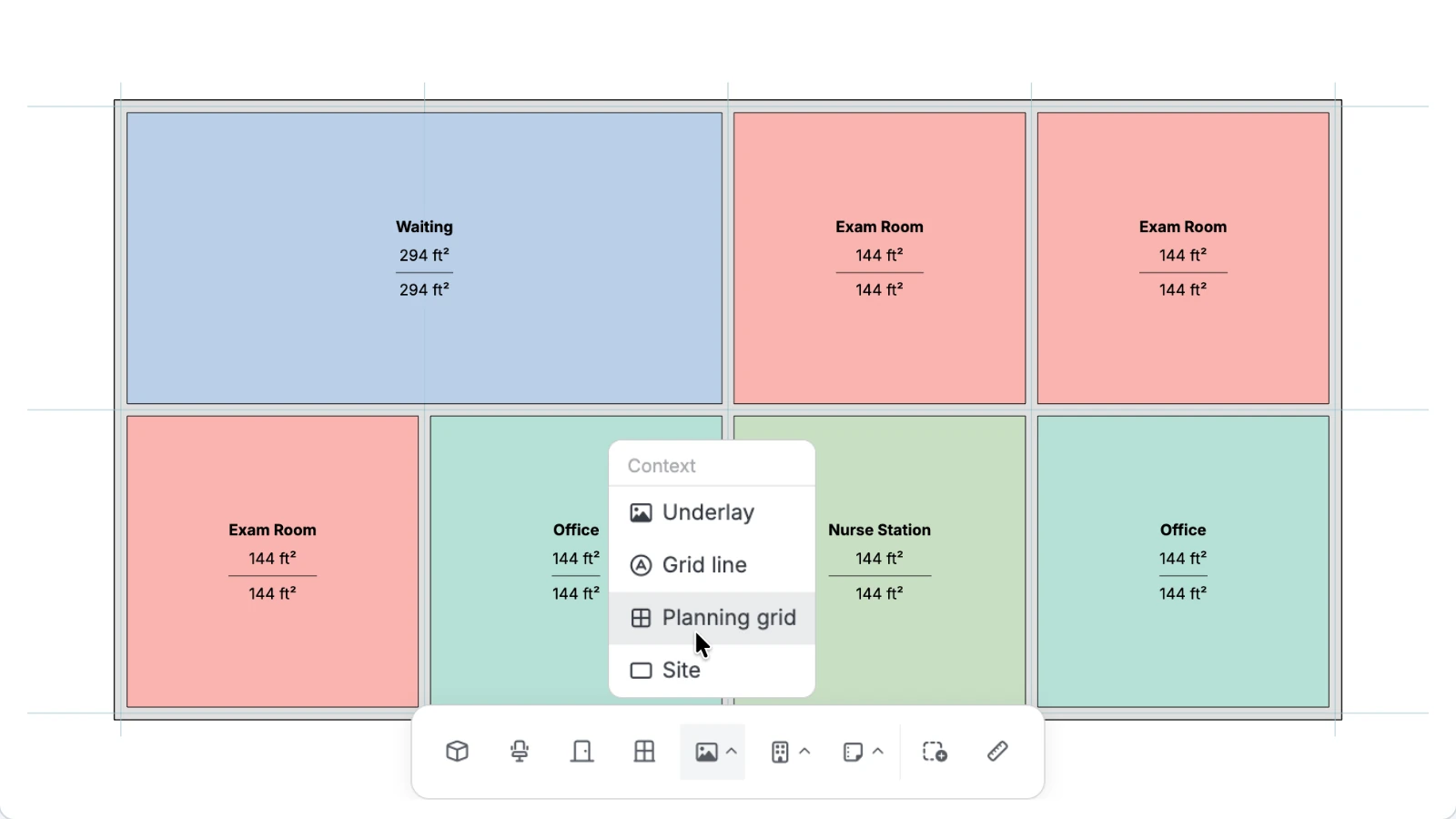
Lining spaces up on a regular grid? Even if columns sit on a 30-foot grid, now you can snap spaces to the grid, so your layout lines up with the structure.
Here’s how it works:
- Open Context › Planning grid
- Click where the lines should sit
- Add spaces and watch them snap to lines
Get spaces lined up on even spacing
- Spaces snap to it as you add them
- Converts to structural gridlines later