Auto-Fill Grids
Place one line and pick from suggestions
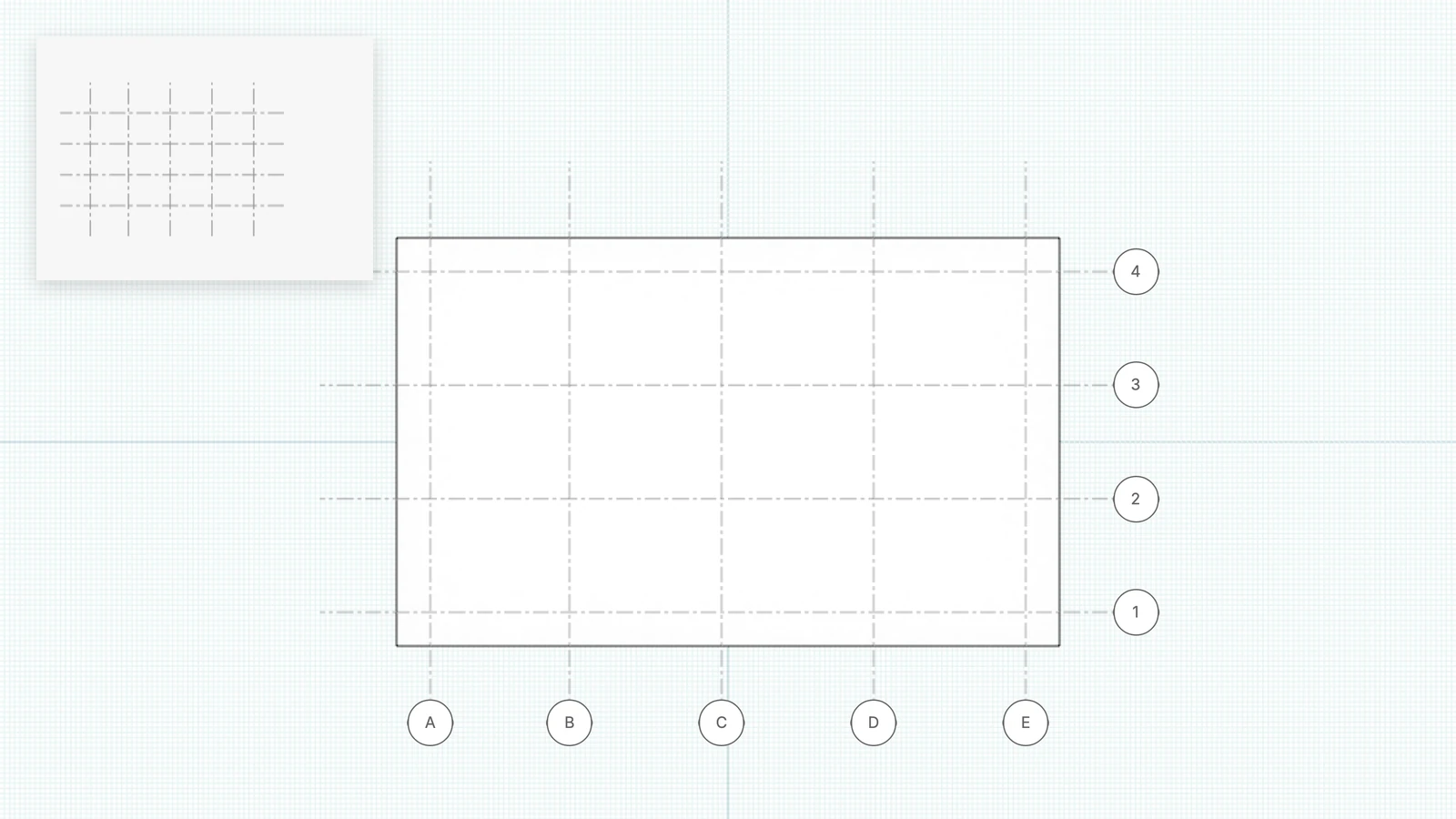
Giving engineers columns to react to early? Even if a floor has no structural drawings, now you can start from one line, so engineers react before the drawings exist.
Here’s how it works:
- Open Context › Grid line
- Place one line on your plan
- Accept a grid suggestion
Get a complete bay layout from a single line
- Fits the building you've drawn
- Stays editable after you accept