Edit Columns
Apply one change to matches on your grid
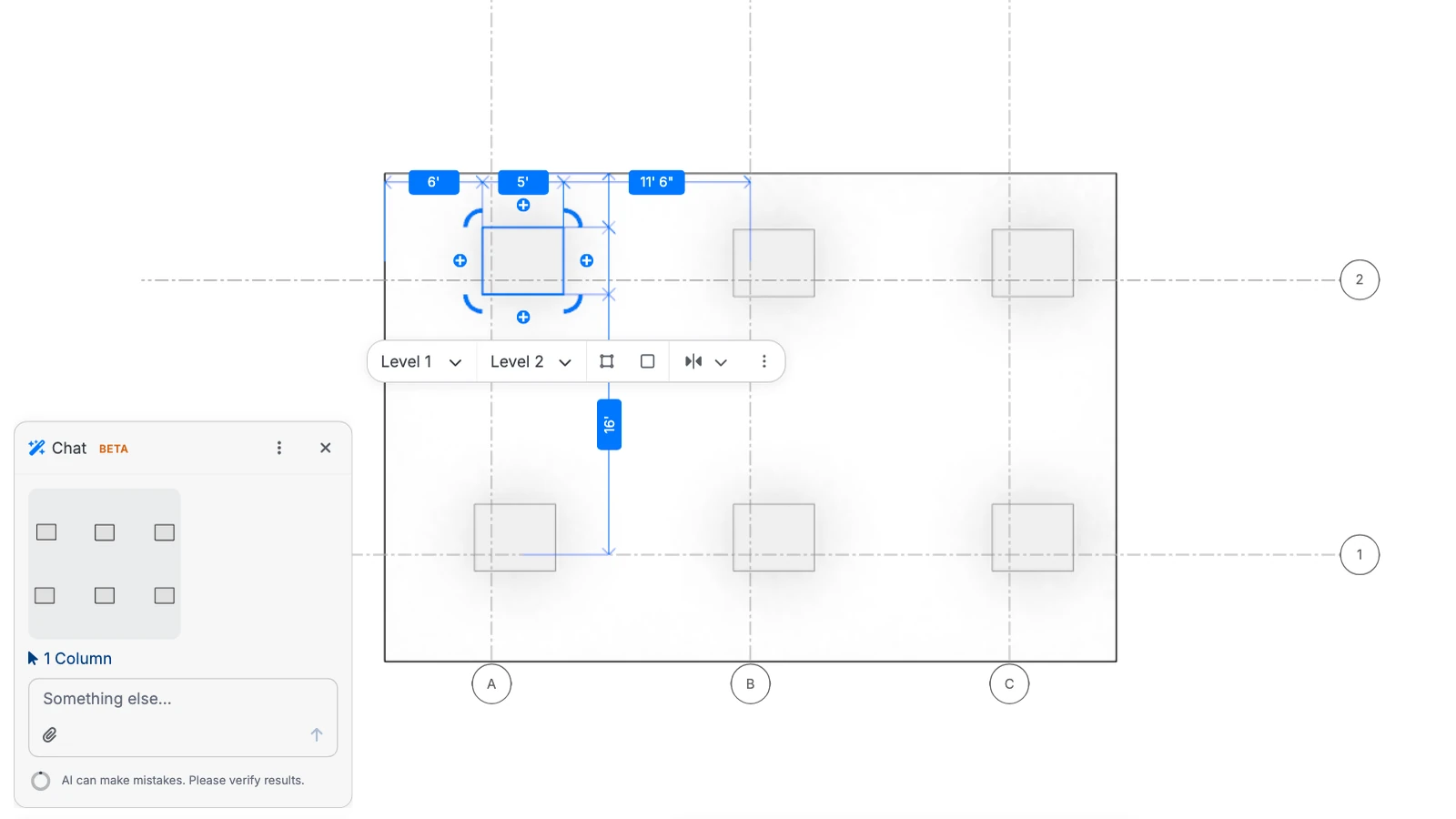
Showing columns in your next client review? Even if a space needs forty columns, now you can edit one column and accept suggestions, so your client reacts to the layout early.
Here’s how it works:
- Open Building › Column
- Double-click a column, then drag a side
- Click a tile in Suggestions
Get matching copies across your grid
- Proposed at grid intersections
- Each keeps the shape you set