Add Structural Grid
Lay out bays and columns where lines cross
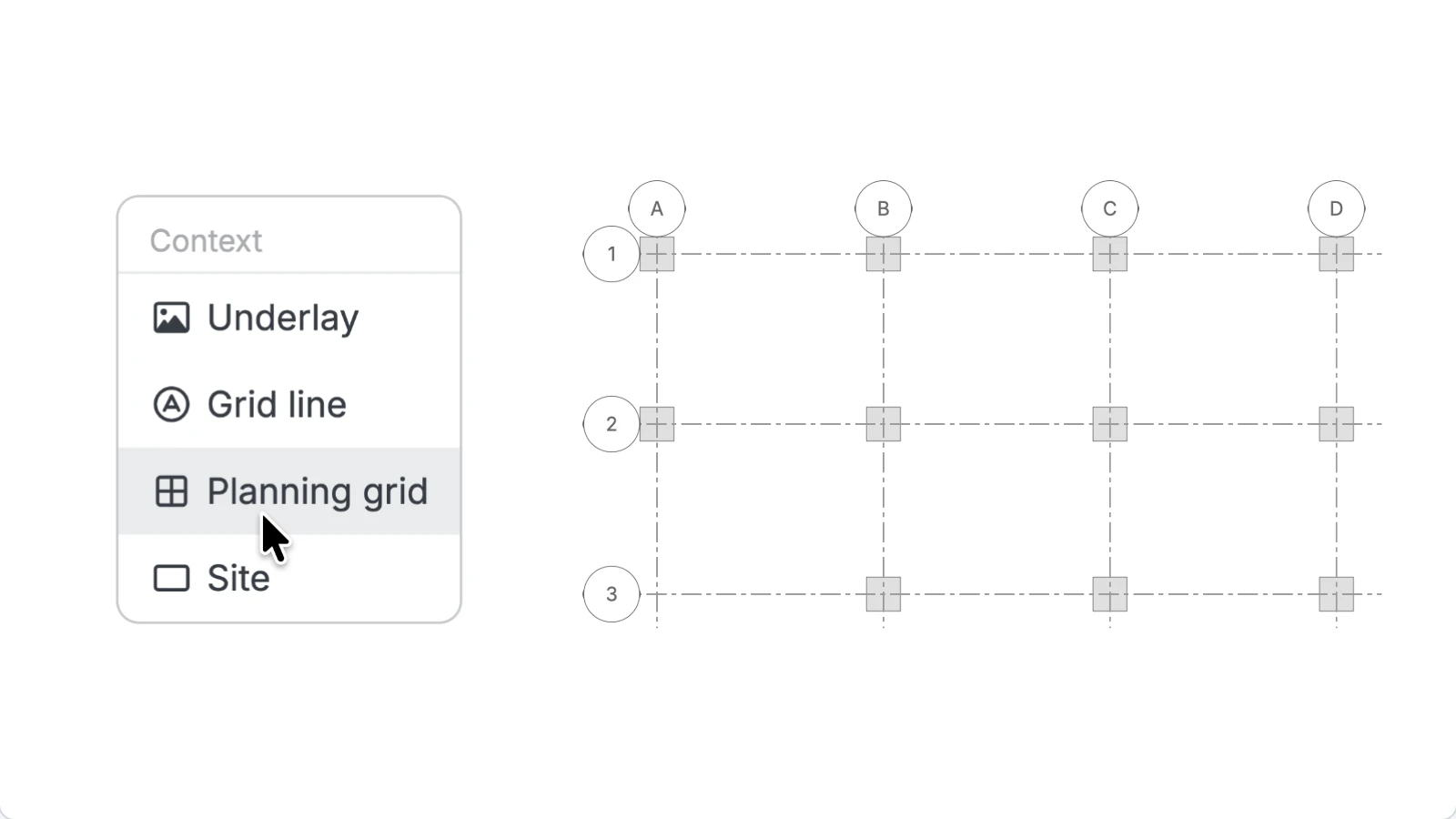
Setting up bays before engineers get involved? Even if the tower has no structural drawings, now you can lay out a grid, so you place spaces to fit the structure.
Here’s how it works:
- Open Context › Planning grid
- Click Convert to grid lines
- Place a Column at each crossing
Get bays with columns at each crossing
- Move a grid line and its columns follow
- Lay out spaces against structure