Resize by Area
Type a size on a label to resize spaces
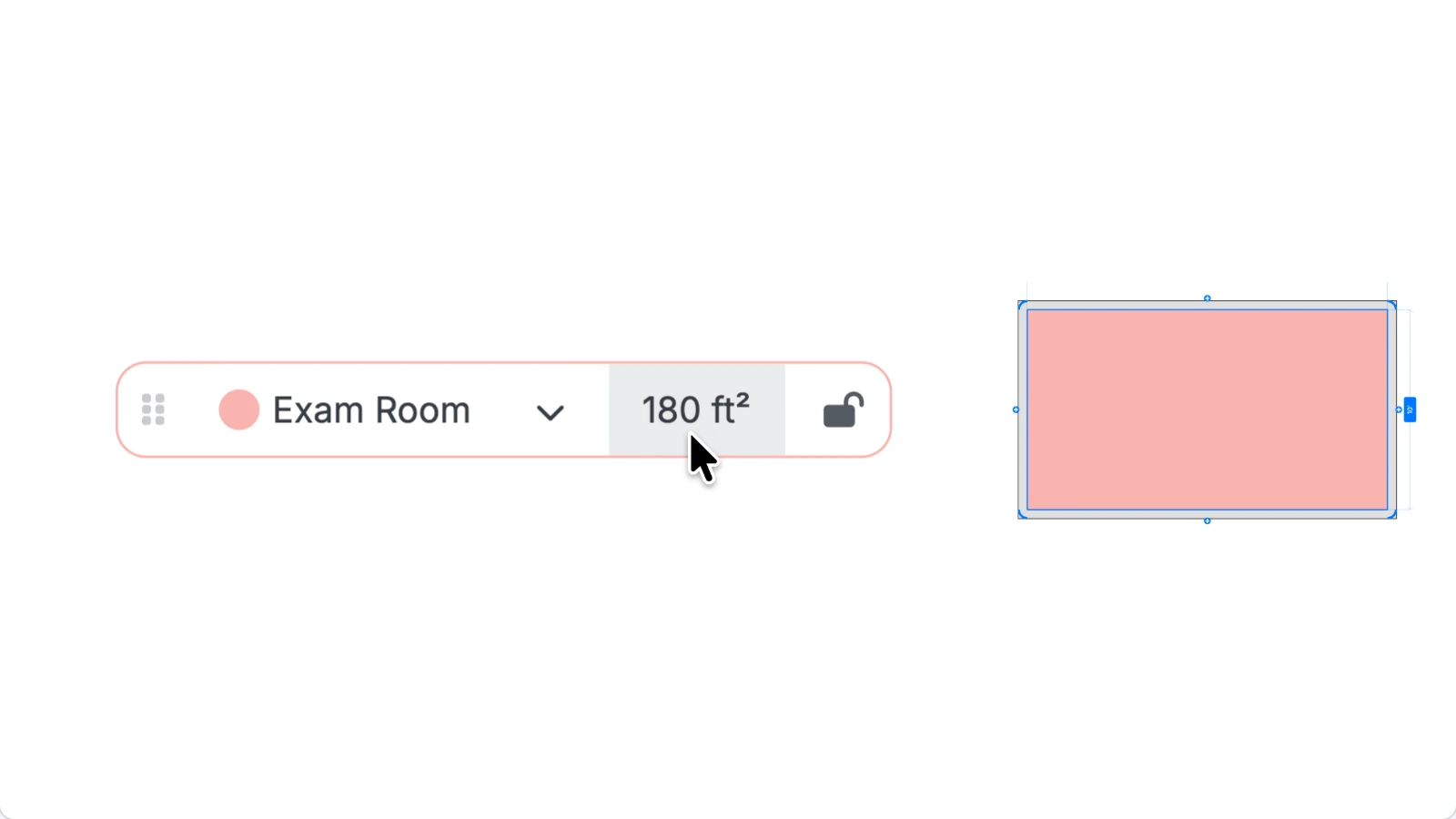
Matching the area a program requires? Even if your client's program says 180 square feet, now you can type 180 on the label, so you skip dragging edges to the target.
Here’s how it works:
- Select a space on your canvas
- Click the area on the label
- Type your new number
Get a space resized to match its program
- Click the label to edit
- Type an area and the space scales to match