Edit Shapes
Read wall lengths as you drag a corner
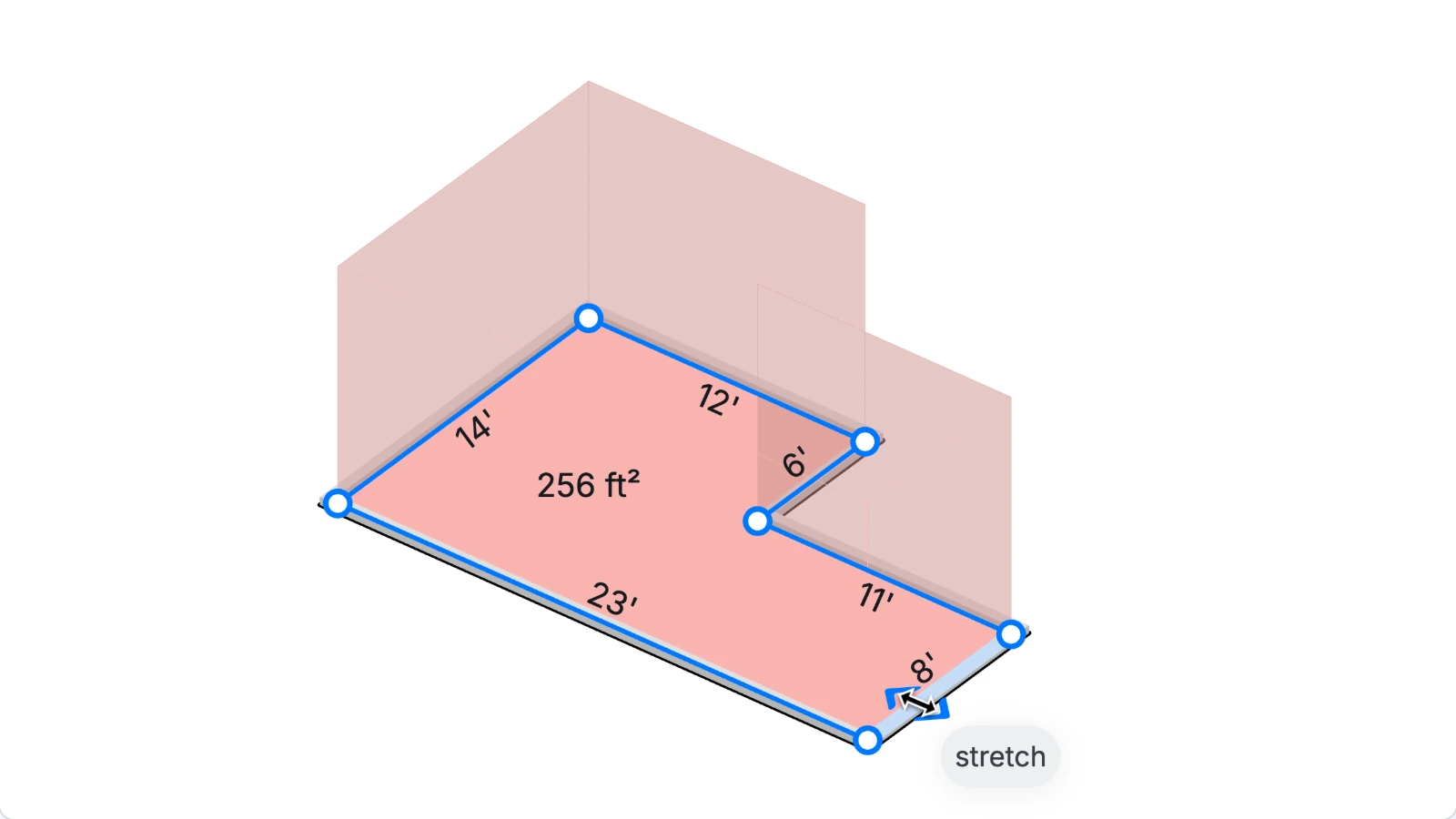
Checking wall lengths while you reshape an outline? Even if a space must hit a set area, now you can watch lengths update, so you reach the required area while you edit.
Here’s how it works:
- Double-click a space or building
- Drag a corner or edge
- Read lengths and area as they change
Get an outline at the area you need
- Works on spaces, buildings, and clearances
- Watch the area in the middle update as you drag