Lock Areas
Reshape a space and keep its area
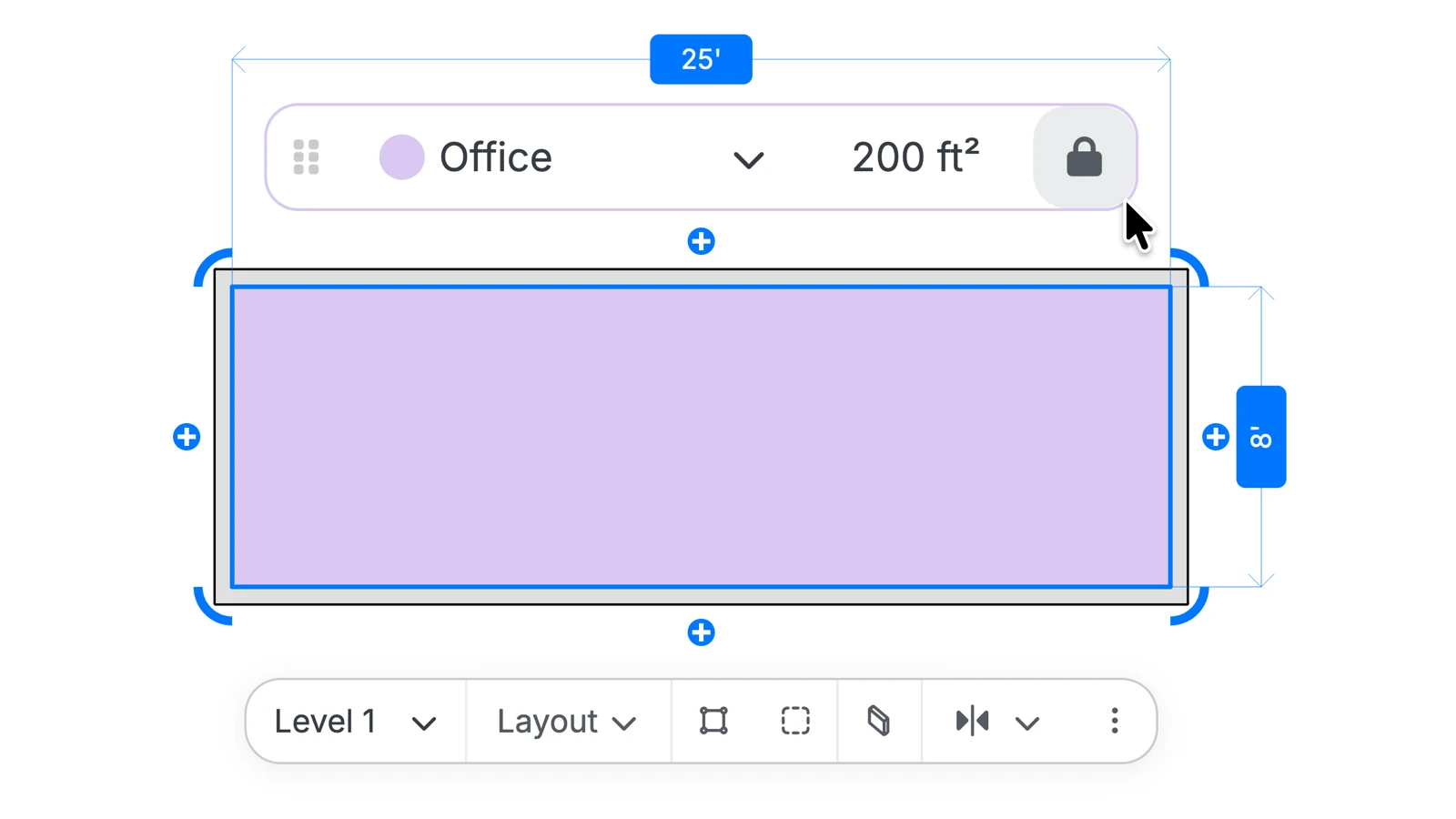
Reshaping offices that must keep a required area? Even if 12 offices must stay 120 square feet, now you can lock each area, so you reshape offices without rechecking program totals.
Here’s how it works:
- Select a space on your canvas
- Click the Constrain Area lock
- Drag an edge to reshape the space
Get a size that holds while the shape changes
- Stretch one side and the other adjusts
- Lock a space to hold its current area