Suggest Layouts
Furnish a space from previewed options
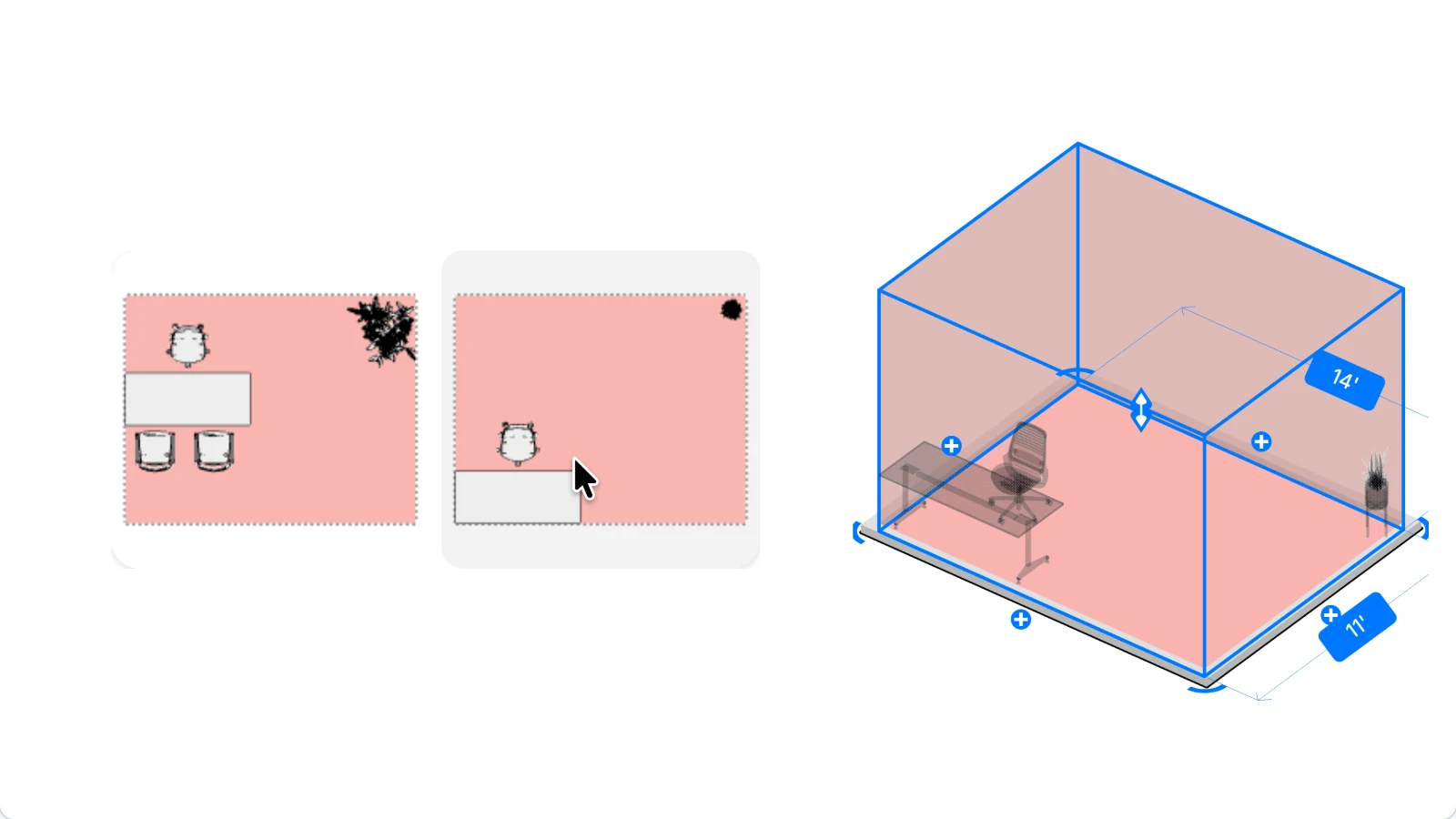
Furnishing a space type you have planned many times? Even if eight spaces need furniture, now you can pick a suggestion for each space, so you edit instead of starting empty.
Here’s how it works:
- Select a space to open Suggestions
- Hover a suggestion to preview the result
- Click a suggestion to furnish the space
Get a furnished space ready to adjust
- Everything placed stays editable
- Your own layouts join the choices