Import Revit Furniture
Place your firm's Revit families on your plan
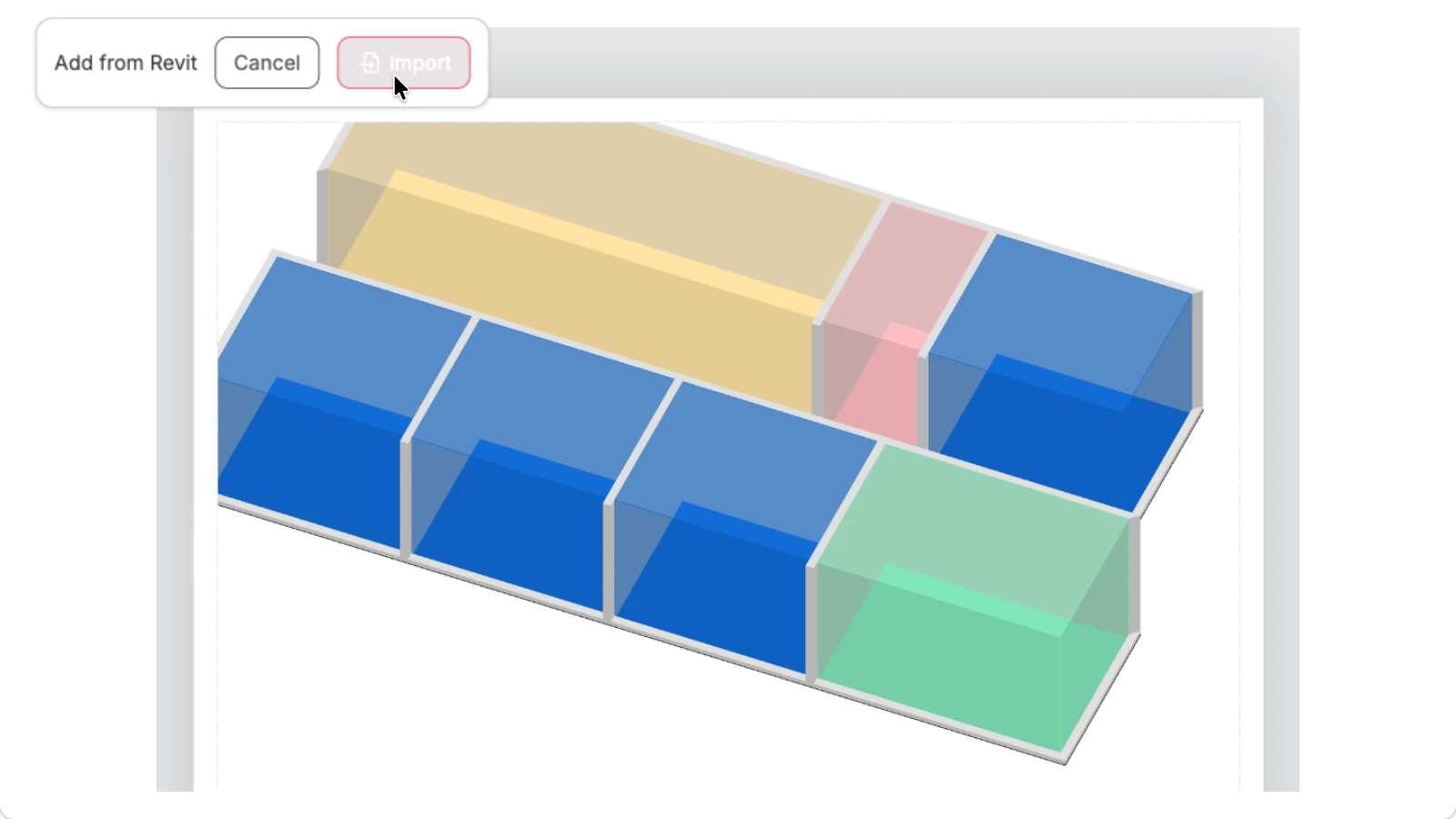
Using your firm's furniture standards in an early test fit? Even if a ward needs 24 standard beds, now you can send the beds from Revit, so test fits use your firm's models.
Here’s how it works:
- Install the Revit add-in
- Select pieces and click Send Selection to Hypar
- Click Import on the Add from Revit card
Get your firm's standards placed on a plan
- Send Revit Rooms the same way to place them as spaces
- Mirror and copy imported pieces as you would Hypar furniture