Send to Revit
Start documenting from your plan
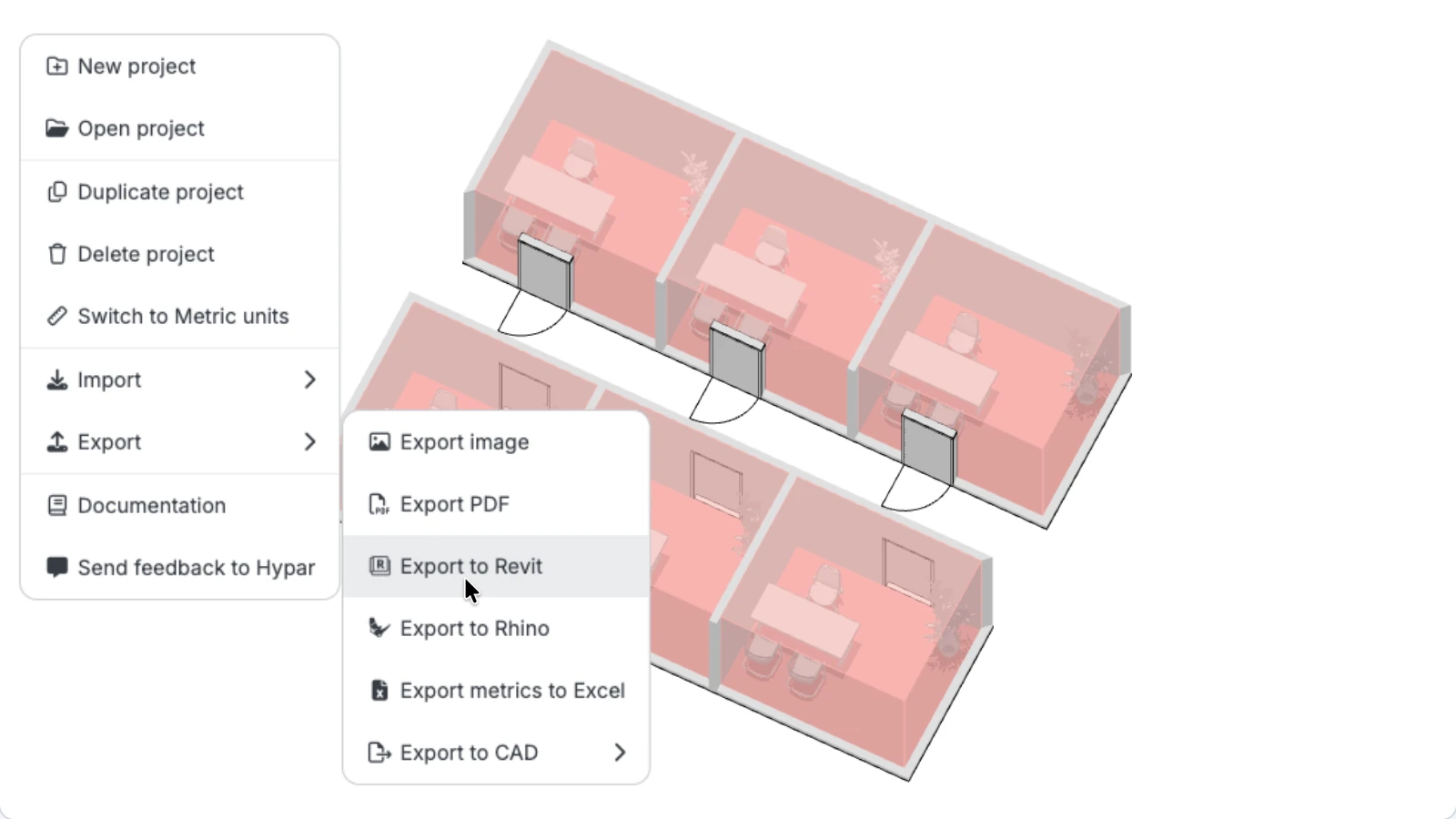
Starting documentation from an approved plan? Even if your plan holds a hundred spaces, now you can send the plan to Revit, so documentation starts without a rebuild.
Here’s how it works:
- Open Export › Export to Revit
- Install the add-in from Download add-in
- Click Load Project in Revit
Get a model built from your layout
- A chair you brought in returns as the same family
- Needs the Hypar add-in installed