Import CAD Furniture
Turn blocks into placeable pieces
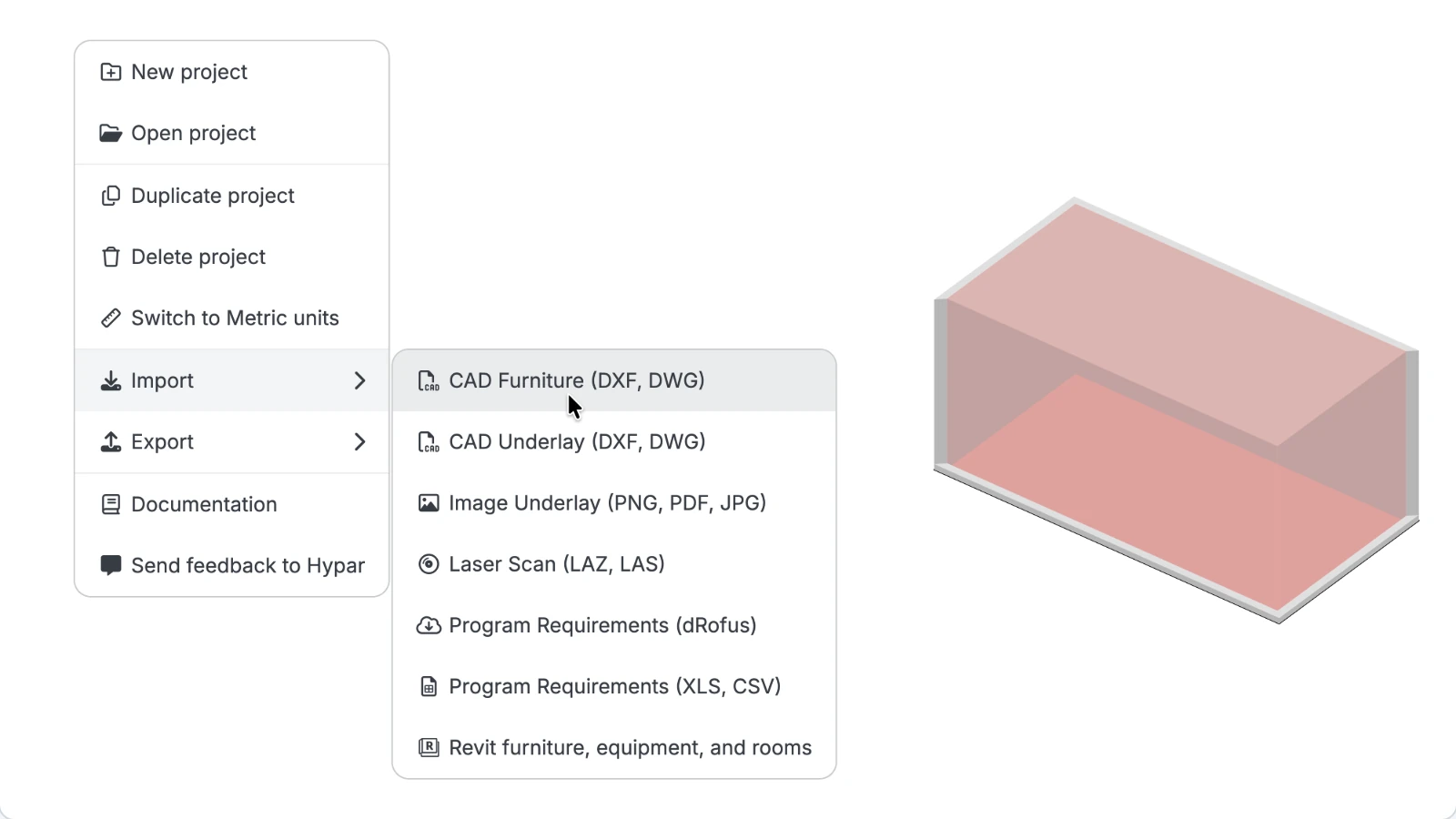
Placing a dealer's standard pieces in a test fit? Even if a dealer sends 200 DWG blocks, now you can import the blocks as pieces, so you move and resize each piece like furniture.
Here’s how it works:
- Open Import › CAD Furniture (DXF, DWG)
- Pick your CAD file
- Place an imported piece on your plan
Get your dealer's pieces ready to place
- Blocks become placeable components
- They behave like library pieces