Add FF&E
Place pieces from a library into spaces
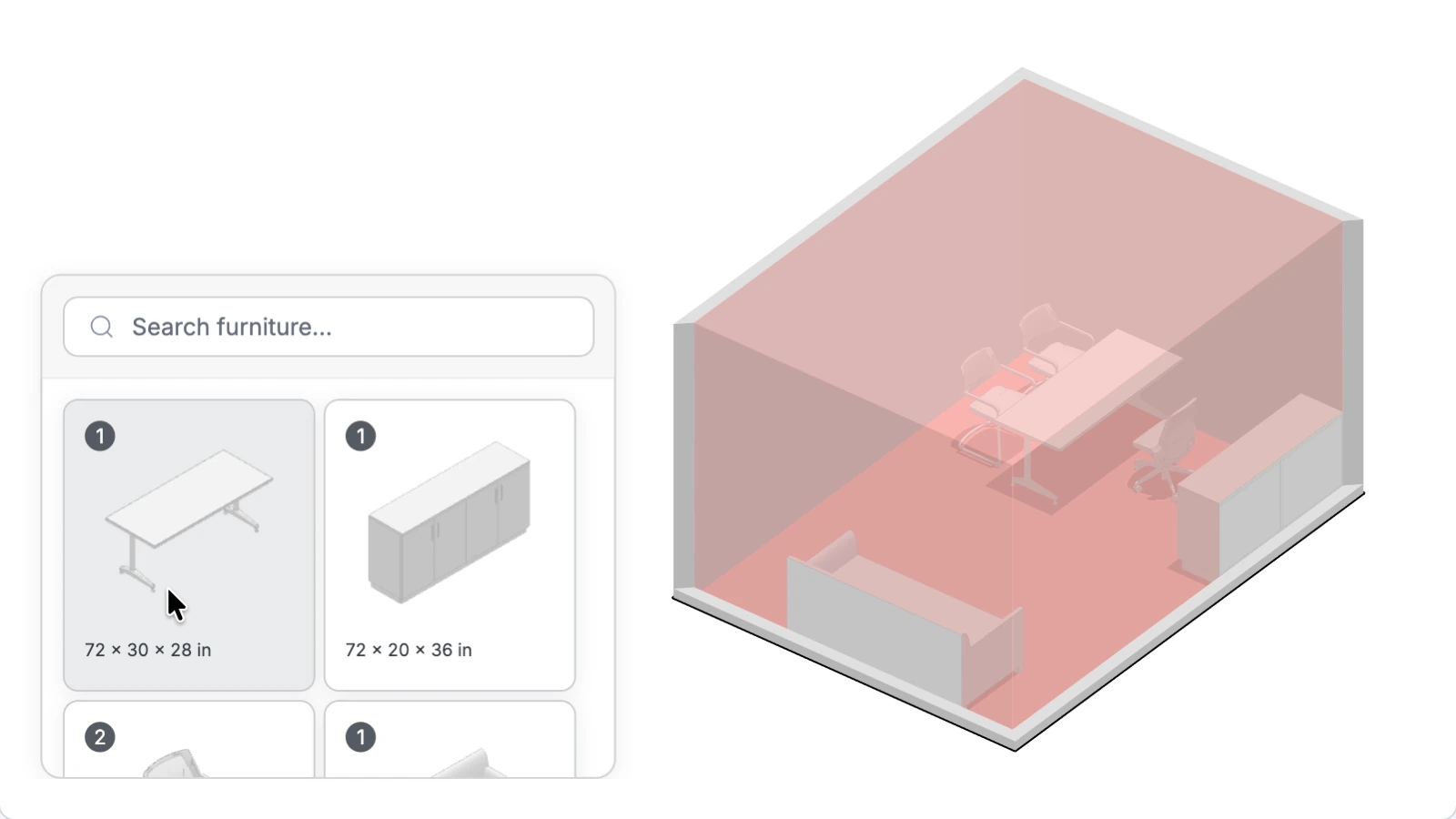
Showing a client the furniture for a space? Even if twelve spaces need furniture, now you can drag pieces from a library, so your client sees how each space works.
Here’s how it works:
- Click Furniture and Equipment
- Type a piece name in Search furniture
- Click a piece, then click a space
Get a furnished space ready to review
- Equipment is in the library too
- Pieces belong to the space they're in