Save to Libraries
Reuse spaces and furniture on new projects
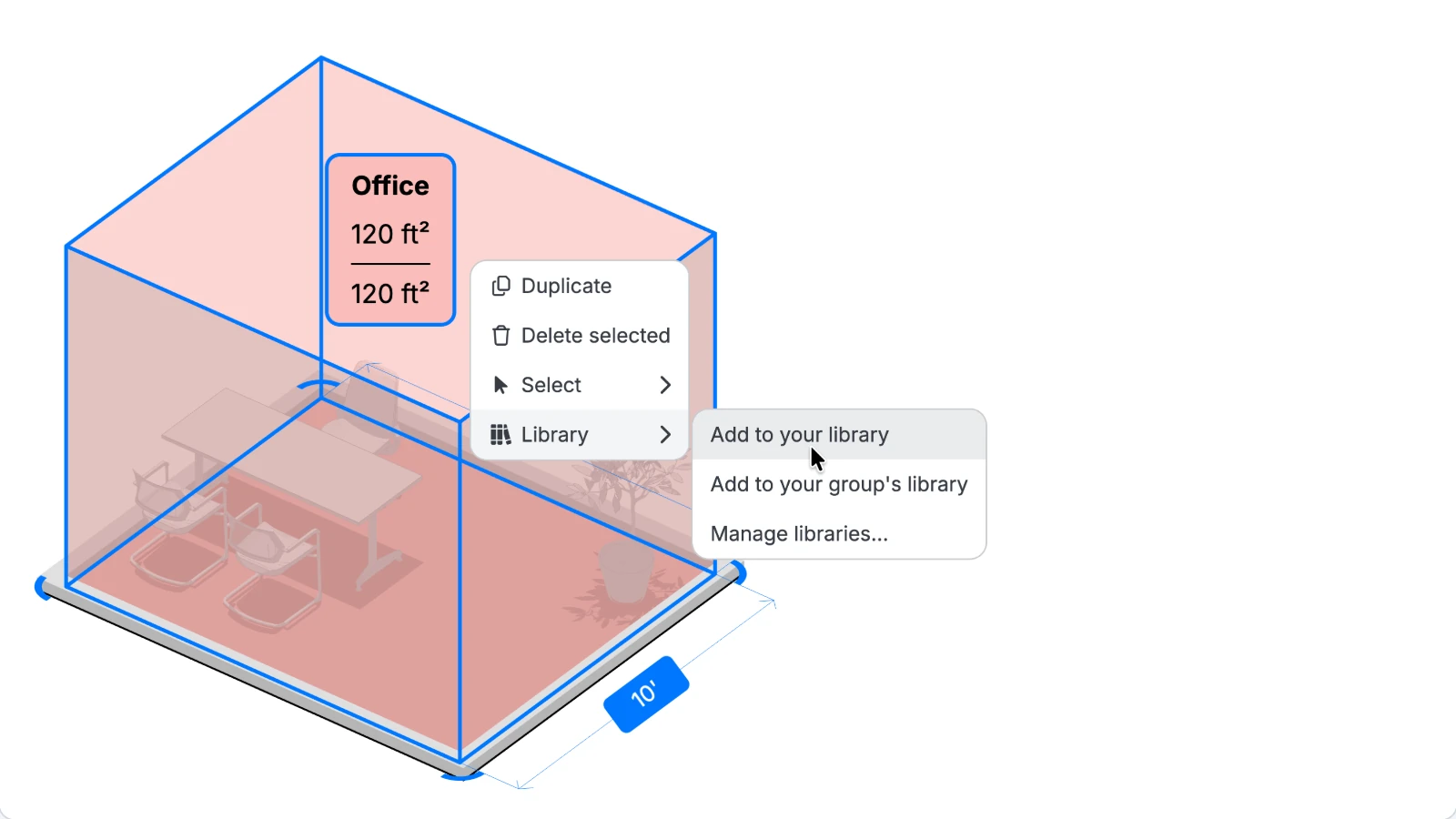
Reusing your best spaces on the next project? Even if a client repeats a space, now you can place the space from your library, so you skip the rebuild on new projects.
Here’s how it works:
- Right-click a space and open Library
- Choose Add to your library
- Add a space and pick from Library
Get saved spaces waiting in your next project
- Keep a personal or a group library
- Choose your group's library to share saved spaces