Explore Design Options
Compare layouts in a single project
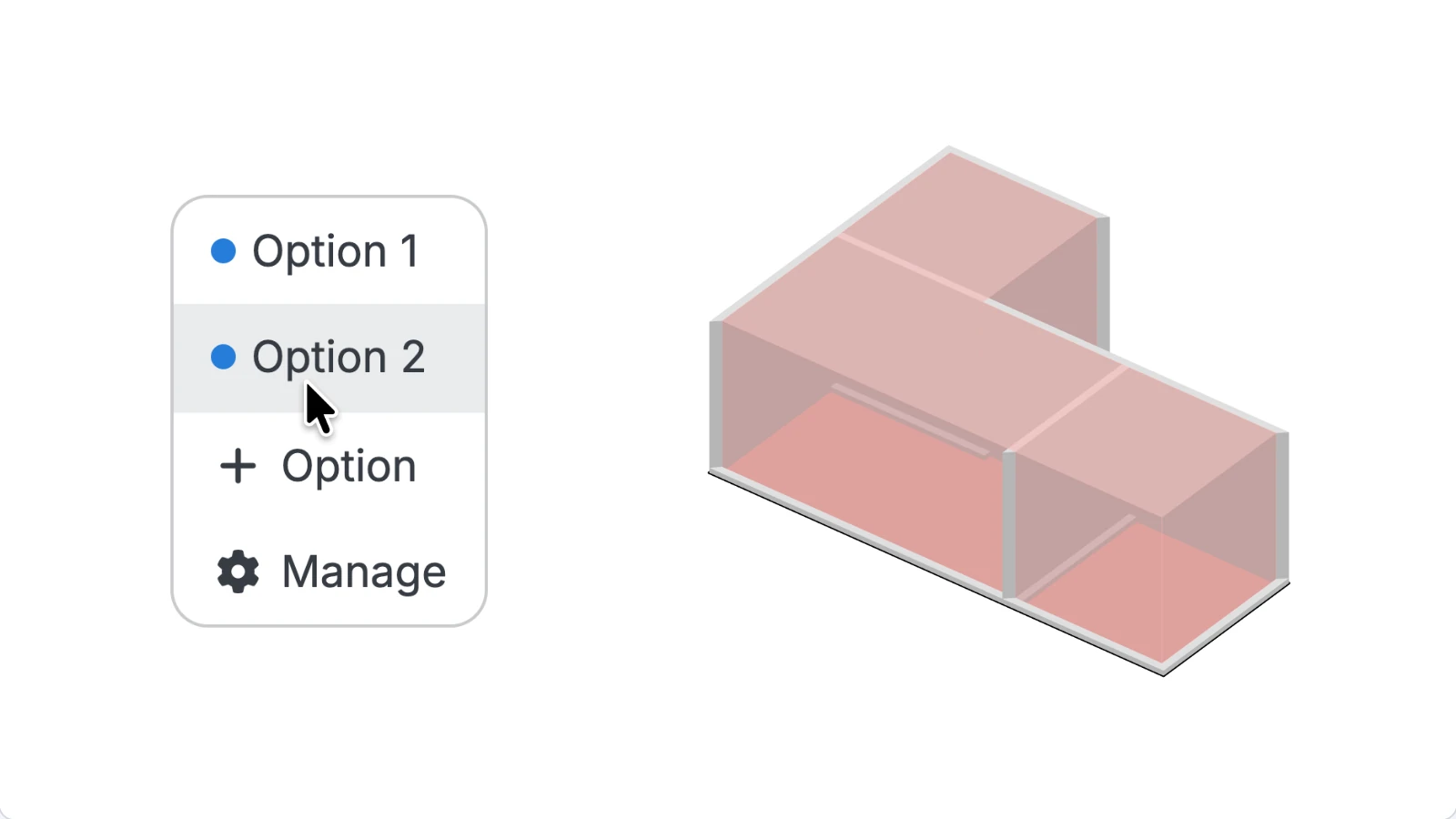
Comparing options without managing separate files? Even if a client wants three wings, now you can add one option per wing, so your client can compare and decide.
Here’s how it works:
- Open your options menu and click Option
- Pick an option from the menu to compare
- Edit each option on its own
Get options you can flip between in one project
- Each keeps its own layout
- Your team edits them together live