Build Client Presentations
Give each page an option, scale and view
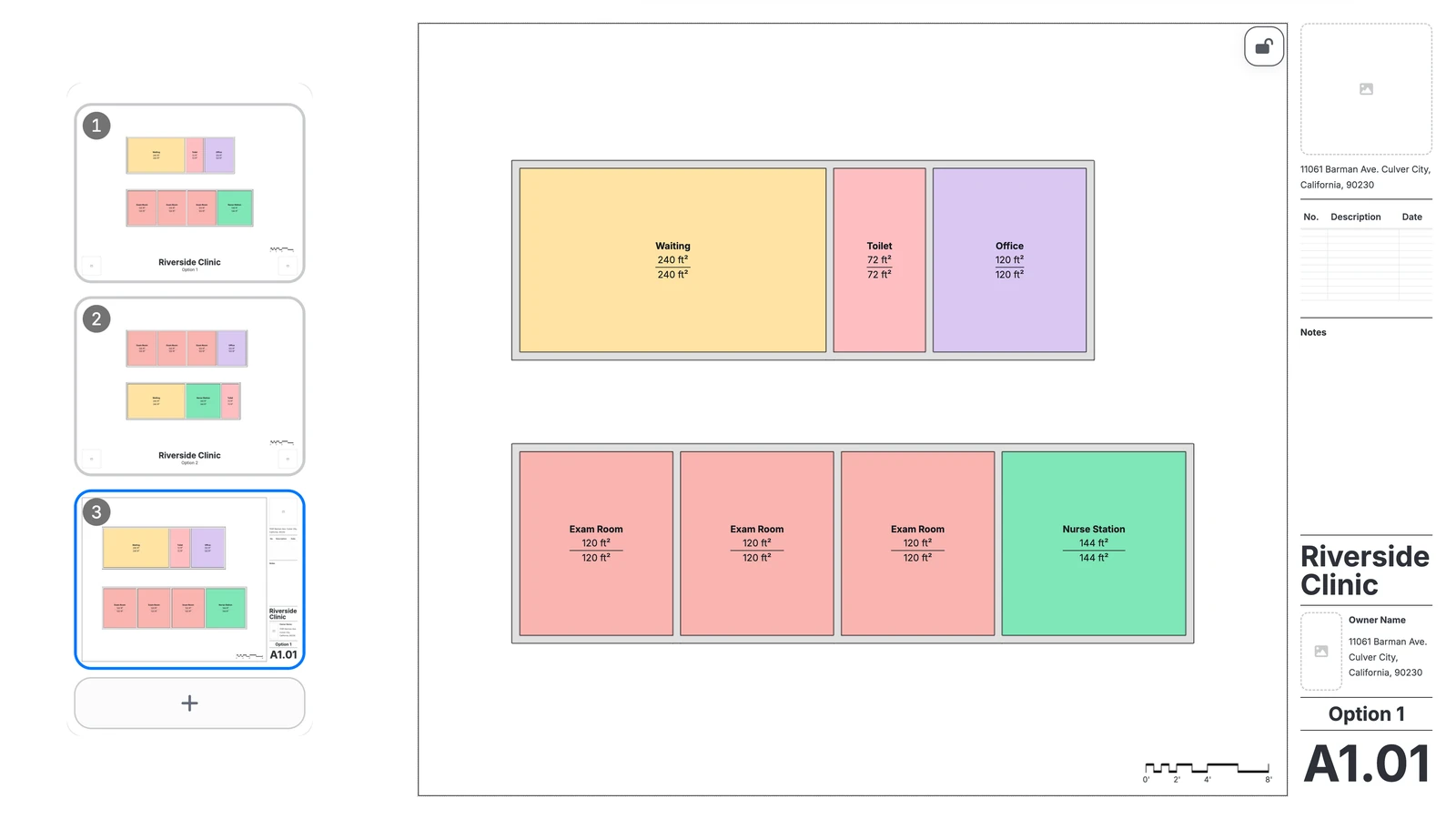
Presenting design options to a client in one PDF? Even if pages mix options and scales, now you can set up each page, so your client can compare and decide.
Here’s how it works:
- Open Export › Export PDF
- Click Add page for each option
- Set the Option and view for each page
Get one PDF your client can flip through
- Click a page to go back to its view
- Duplicate a page to start the next one from its view