Export to PDF
Pick a page size and download your plans
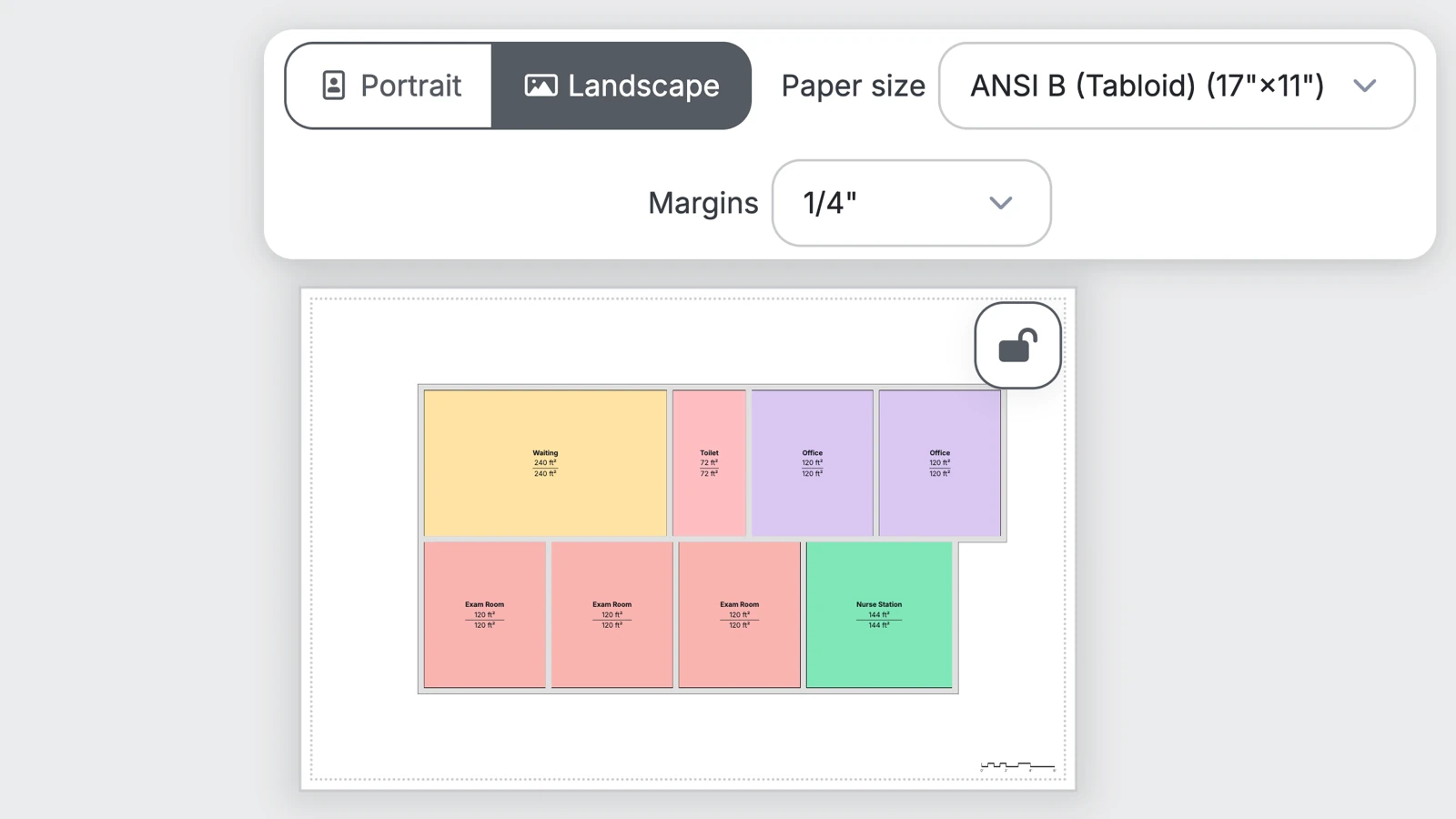
Sending a client plans as a file they can open? Even if your client has no design software, now you can send a PDF, so your client reviews and comments.
Here’s how it works:
- Open Export › Export PDF
- Choose your sheet in the Paper size menu
- Click the export button to download
Get a file ready to send
- Pick the page size
- Click Add page to add a page with its own view or option