Export to Rhino
Keep modeling your plan in Rhino
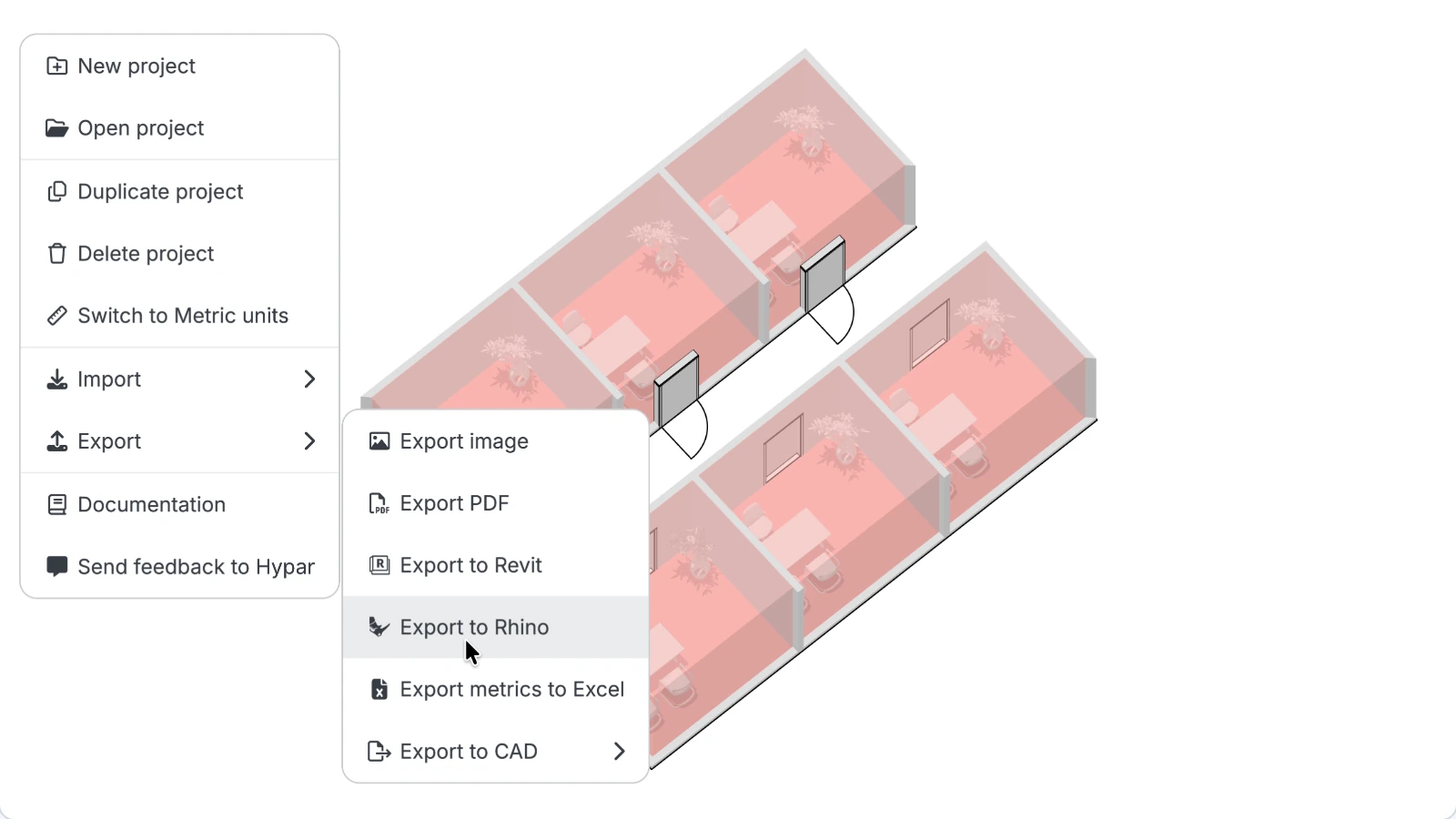
Modeling your plan further in Rhino? Even if your plan holds a hundred spaces, now you can export a .3dm file, so you keep refining without starting over.
Here’s how it works:
- Open Export › Export to Rhino
- Wait for the model to prepare
- Open the downloaded .3dm file
Get a .3dm file named after your project
- Saves a .3dm file
- Named after your project