Export Transparent Images
Export plans without a background
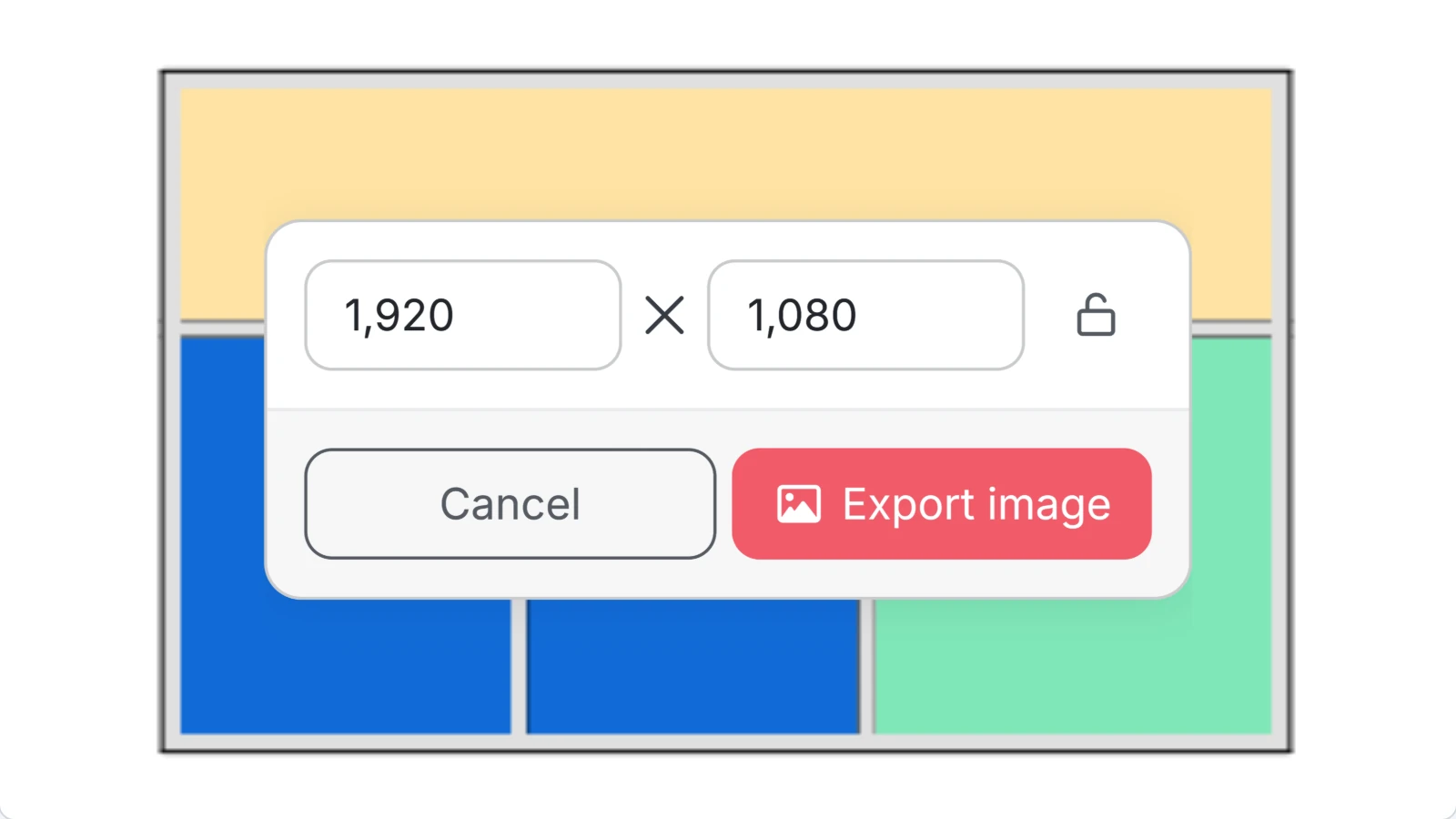
Dropping a plan onto a slide without a white box? Even if client slides use a colored background, now you can export a transparent image, so your plan sits cleanly on the colored slide.
Here’s how it works:
- Open Export › Export image
- Set the width and height
- Click Export image for a transparent PNG
Get a PNG that sits straight on a slide
- Pick the resolution first
- Drops onto any slide color