Auto-Size Tags
Fit each space name to its space in PDFs
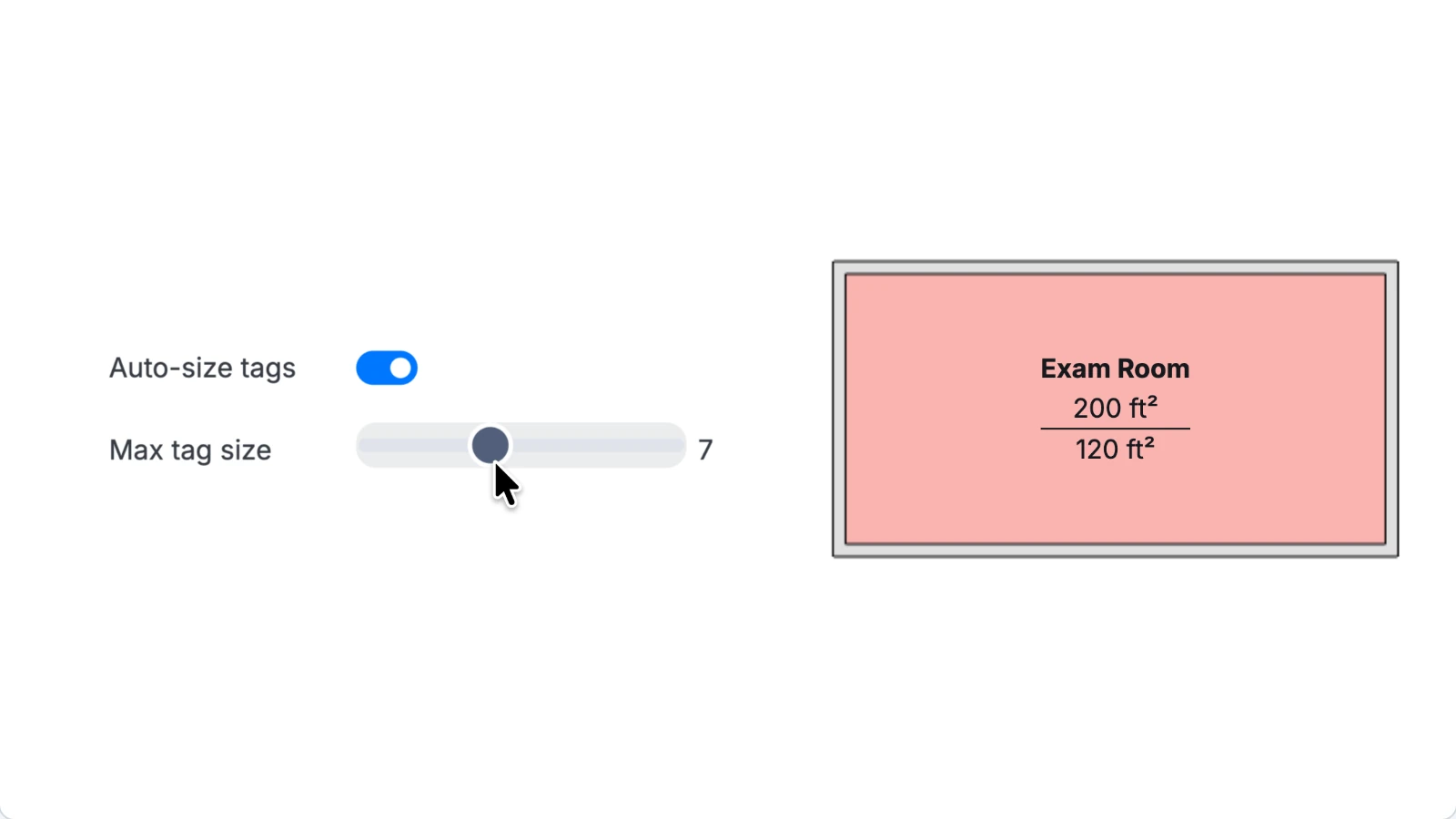
Printing a crowded plan with readable text? Even if your plan has small spaces, now you can fit each space name to its space, so you print crowded plans at other scales.
Here’s how it works:
- Open Export › Export PDF
- Keep Auto-size tags on
- Drag the Max tag size slider
Get labels sized to their spaces
- On by default in PDF export
- Largest text scales with the sheet