Edit Visibility
Hide or show spaces, furniture and grids
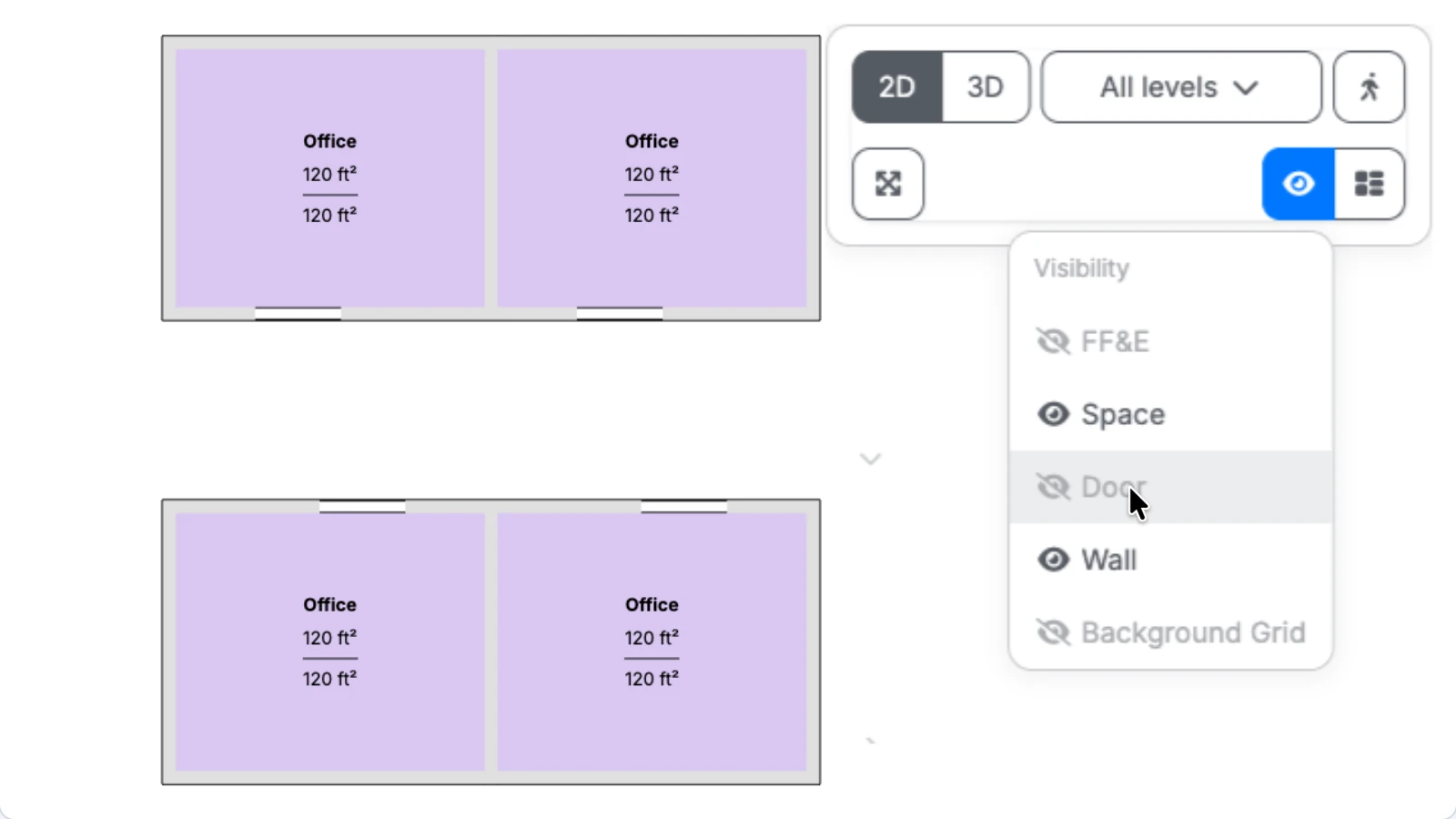
Sending a client plans that show only what they asked to see? Even if your client wants only walls, now you can hide spaces and furniture, so your client focuses on your point.
Here’s how it works:
- Click Visibility in your view controls
- Click an eye to hide a type
- Right-click an element to hide its type
Get a view with only the pieces you keep visible
- Hide types for yourself while others keep their view
- Export to CAD or Rhino to include hidden elements