Add Stairs
Place a stair that spans its levels
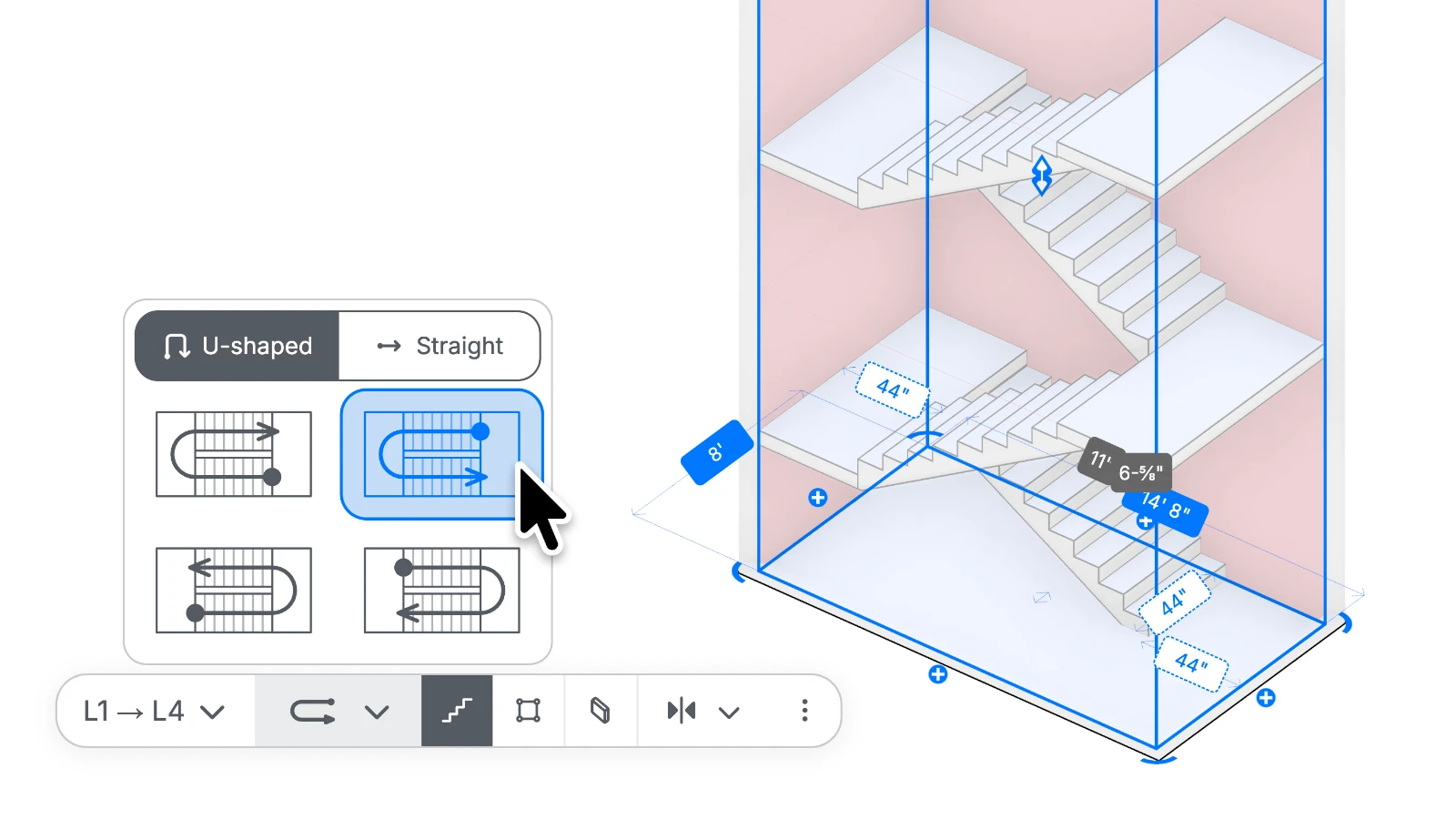
Planning where the stairs go in a client's new building? Even if your client moves the core between reviews, now you can place a stair between levels, so you lay out spaces around the core early.
Here’s how it works:
- Open Building › Stair
- Click to add a stair between two floors
- Pick a straight, L or U layout
Get a stair sized to its levels and to the minimum
- Raise a floor height and the stair adds risers to match
- Press the spacebar to try the next layout