Add Circulation
Add hallways outside your space areas
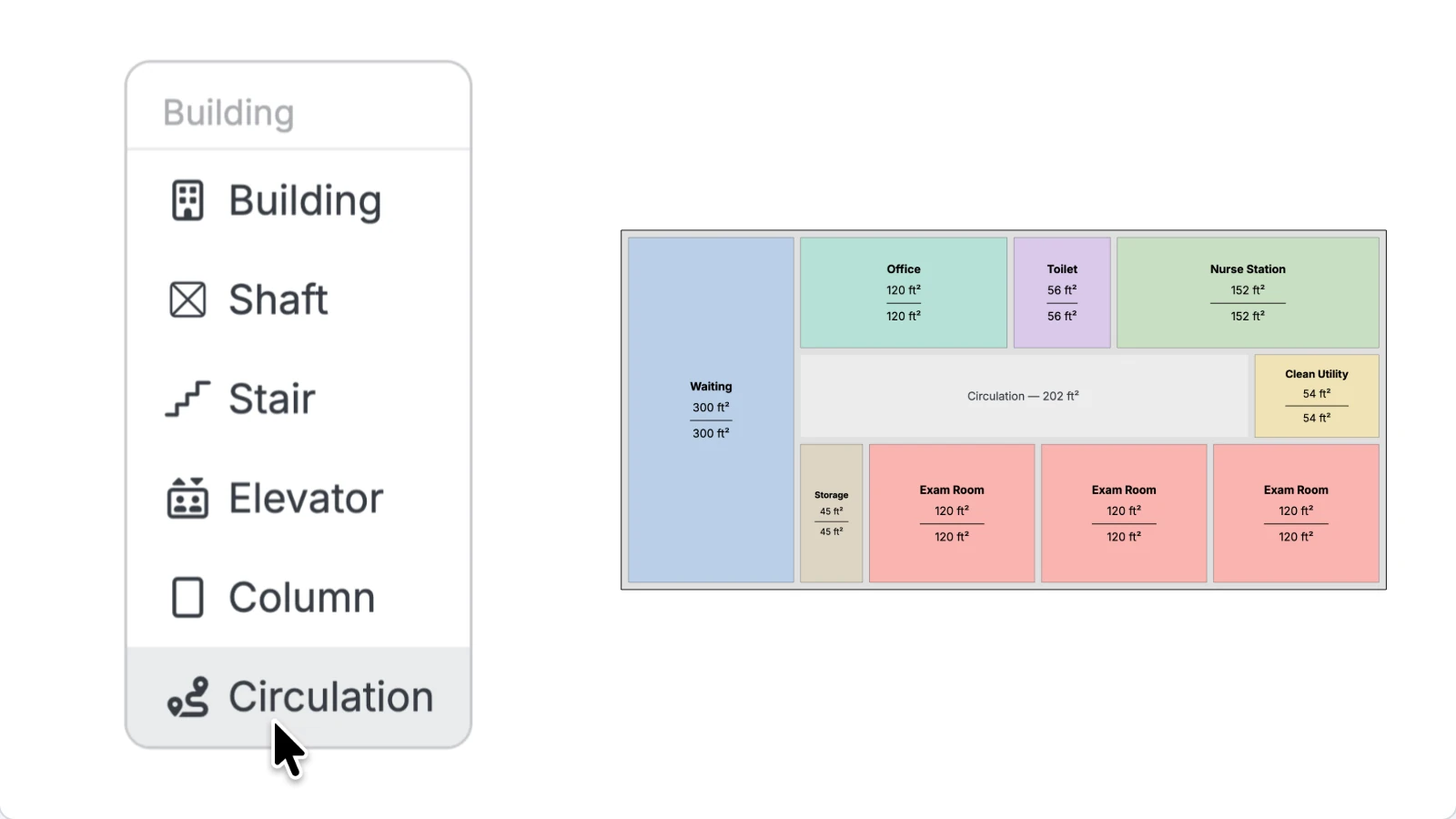
Tracking hallway area as you lay out a plan? Even if your client moves spaces late, now you can see hallway area separately, so your client sees true net area.
Here’s how it works:
- Open Building › Circulation
- Click to place each hallway segment
- Select a hallway to read its Circulation area
Get net area that excludes hallways
- Shows as its own line in metrics
- Click a clash marker to cut an overlapping space out of the hallway