Add Spaces from Program
Start a layout from counts and areas
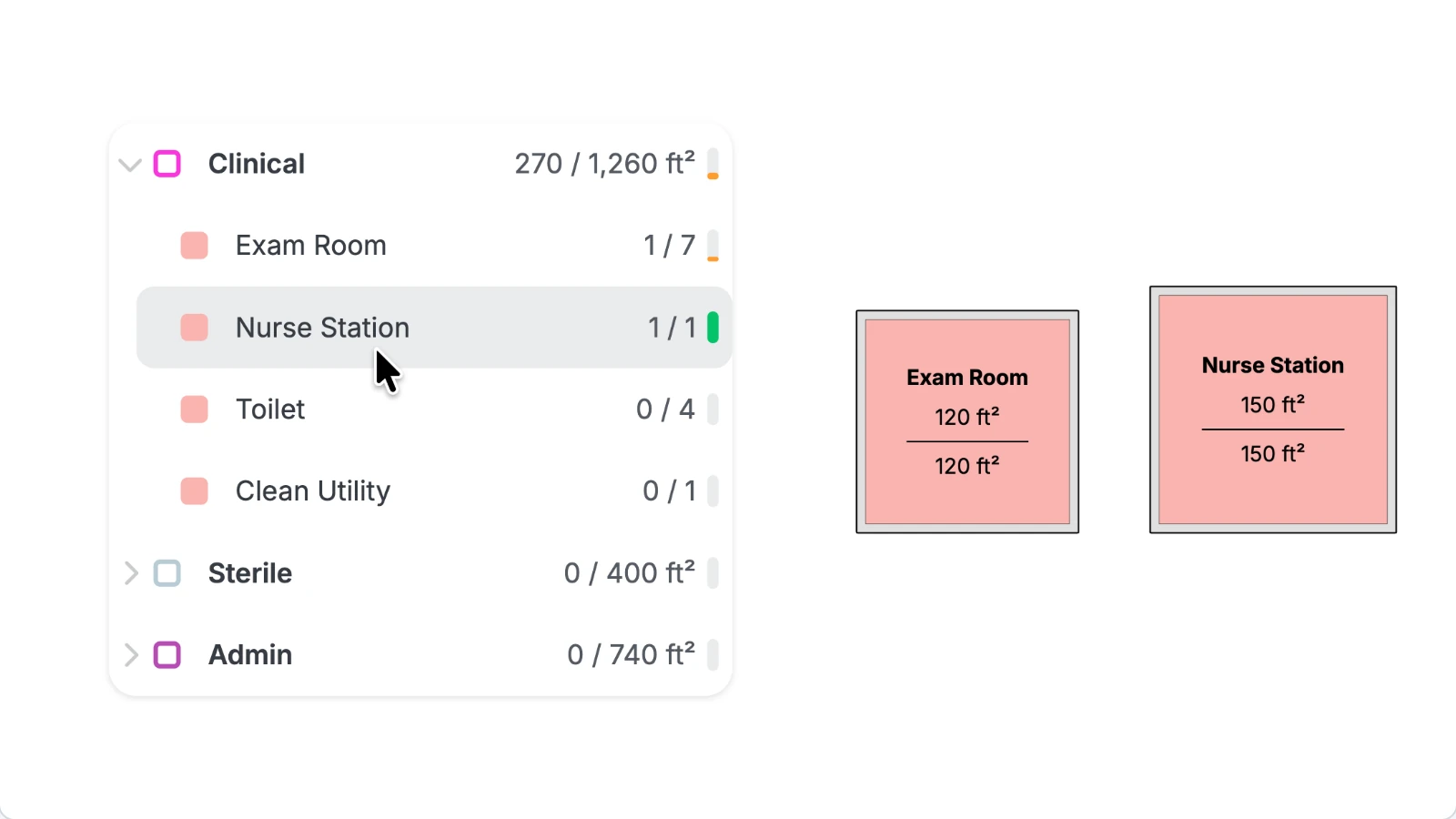
Starting a layout from a client's space list? Even if a client lists twenty space types, now you can drag rows, so each space carries your client's name from the start.
Here’s how it works:
- Find a space type in your Space Program
- Drag its row onto your canvas
- Release to place the space
Get a space that carries the name of its type
- Drag a department row to place its spaces
- Sizes come from the program