Set Space Targets
Check counts and areas against your plan
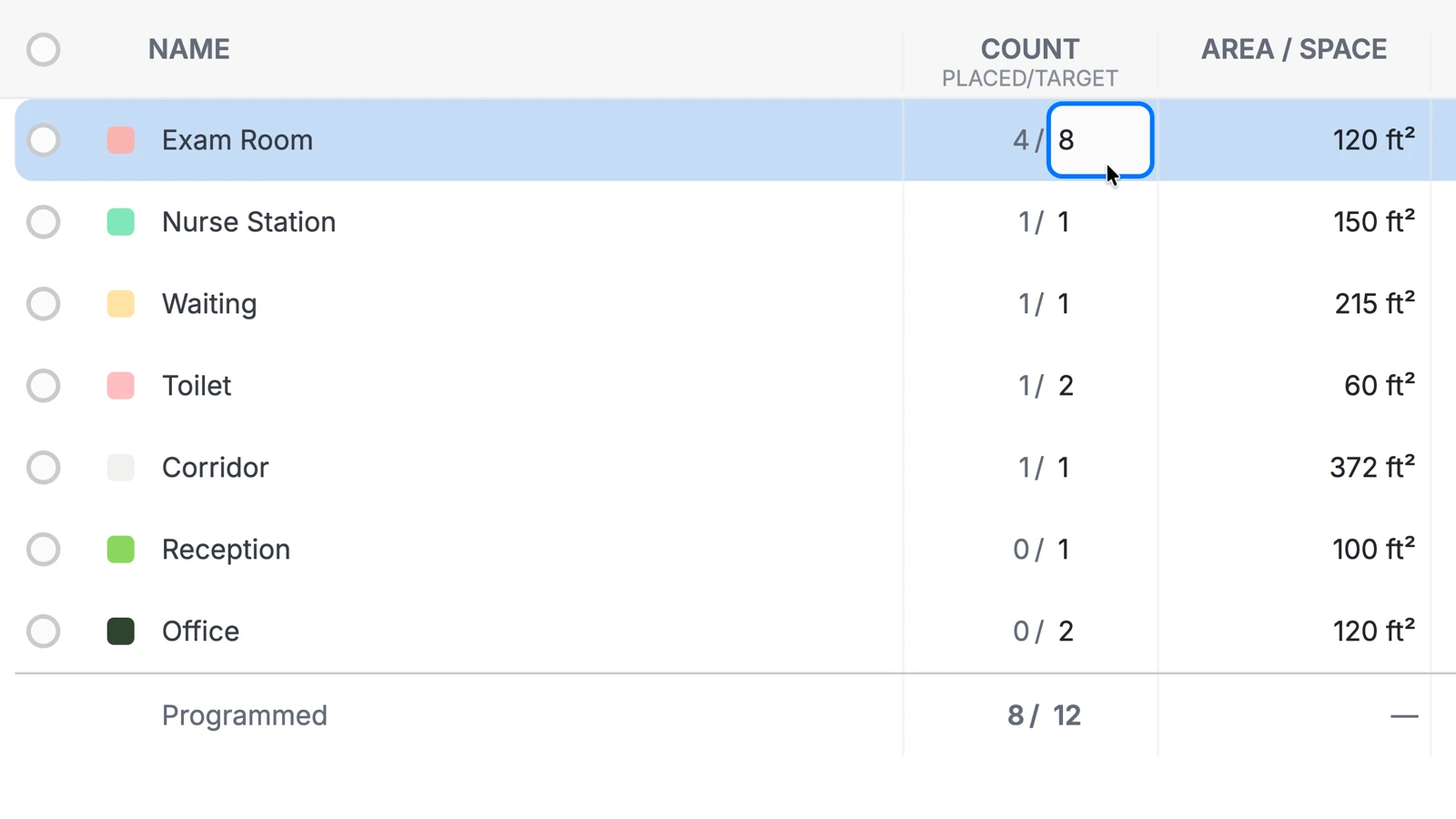
Checking your plan against a space schedule? Even if a schedule lists twelve spaces, now you can enter target counts and areas, so you see what is short.
Here’s how it works:
- Open Edit Space Program in Space Metrics
- Enter a target in Count
- Enter a size in Area / Space
See where your plan falls short
- Edit your plan and watch the totals update
- See where the plan falls short