Compare Areas
Check each space against its target
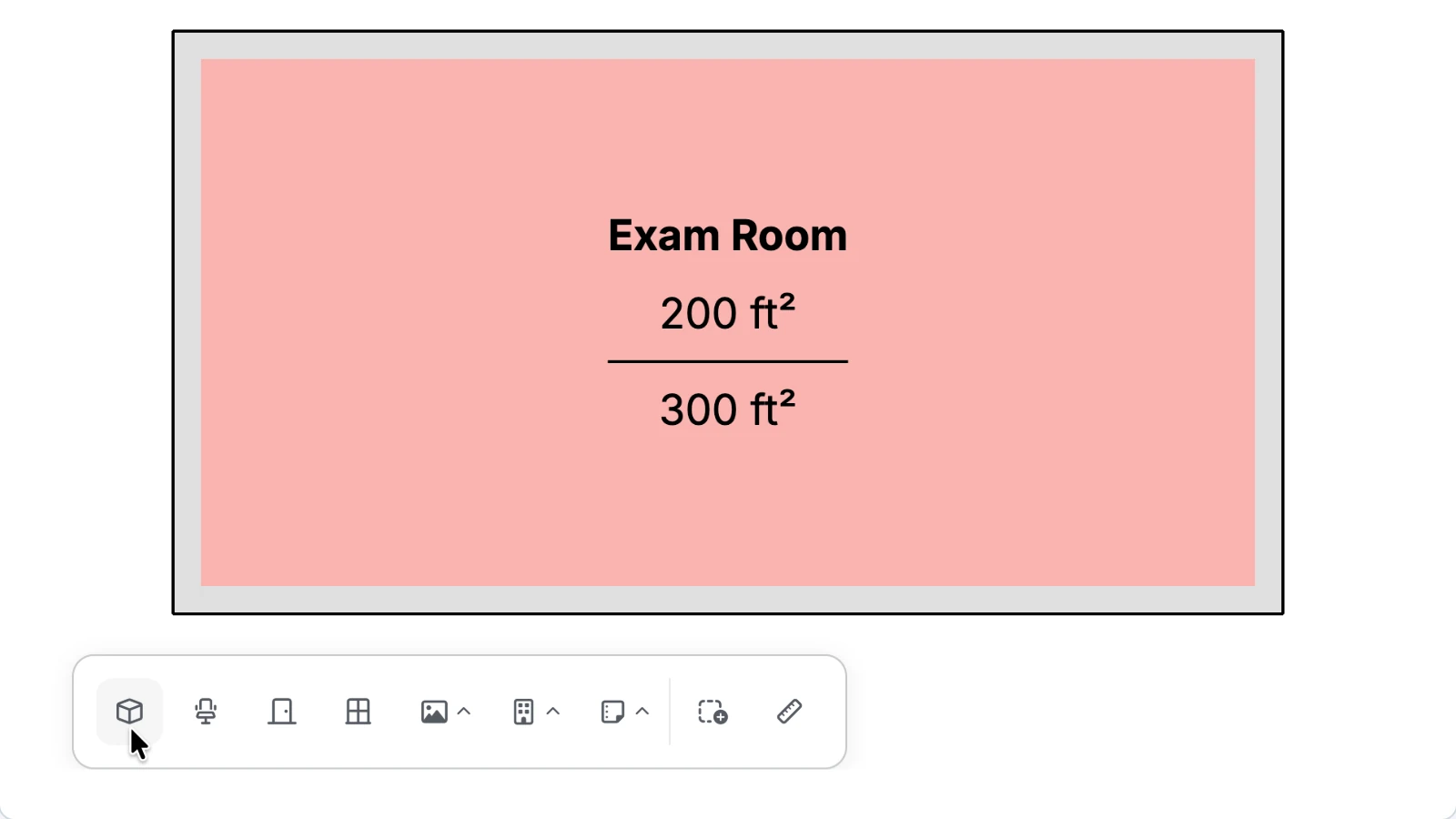
Seeing which spaces run over or under target? Even if your program targets 15 space types, now you can compare areas on labels, so you spot shortfalls while placing.
Here’s how it works:
- Click Space on your toolbar
- Place a space from your program
- Hover each number to see Actual and Programmed
Get placed and target sizes side by side
- Both numbers sit on the space
- Updates as you reshape