Export Space Data
Get areas and counts as a spreadsheet
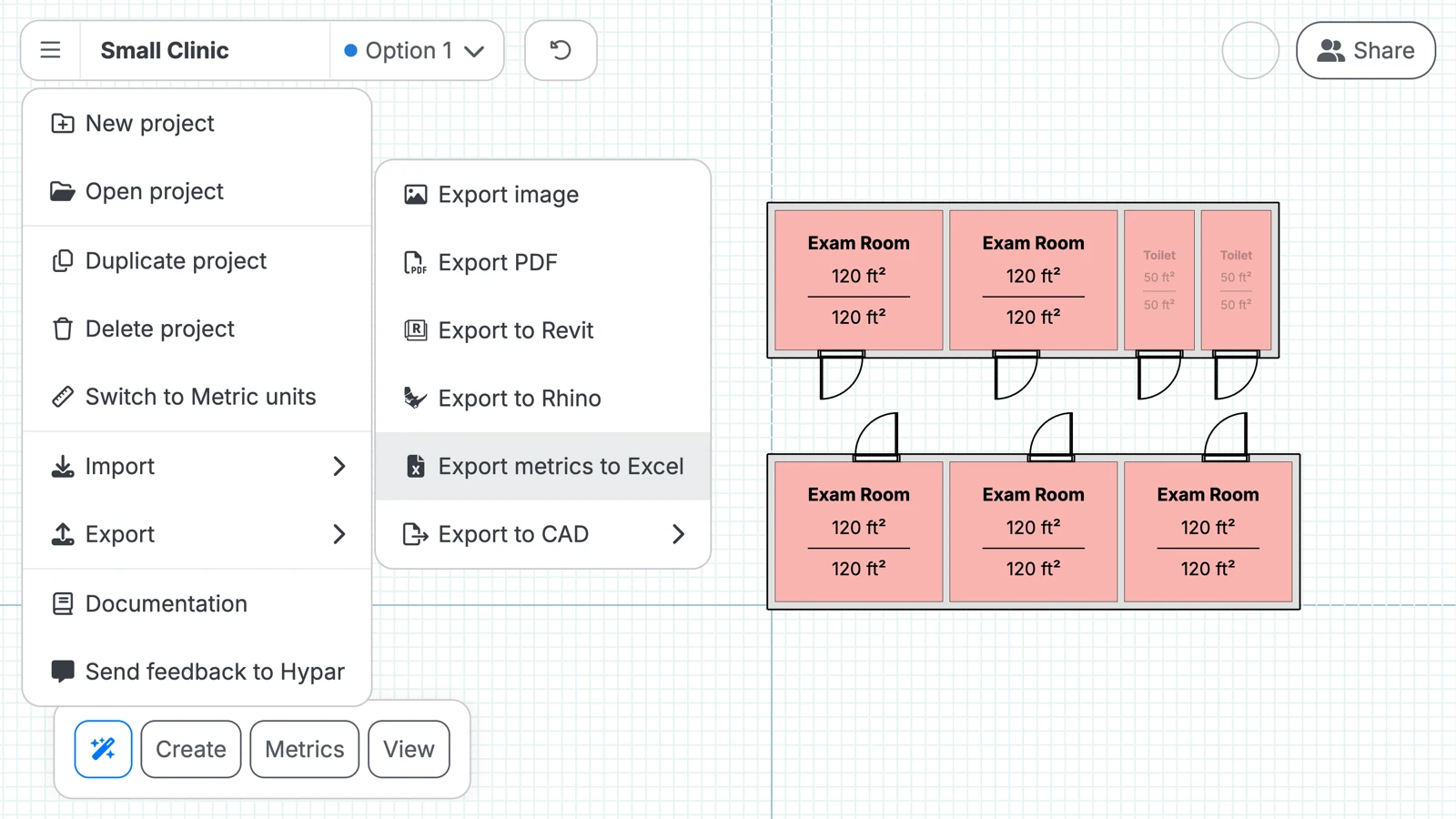
Sending a client the numbers behind your plan? Even if your program has 80 space types, now you can export to Excel, so your client can verify the totals.
Here’s how it works:
- Open Export › Export metrics to Excel
- Save the Excel file
- Open the file in your spreadsheet tool
Get a file you can email to your client
- Deviation shows as a percentage
- Each space is listed