Import from dRofus
Pull your dRofus space list into your program
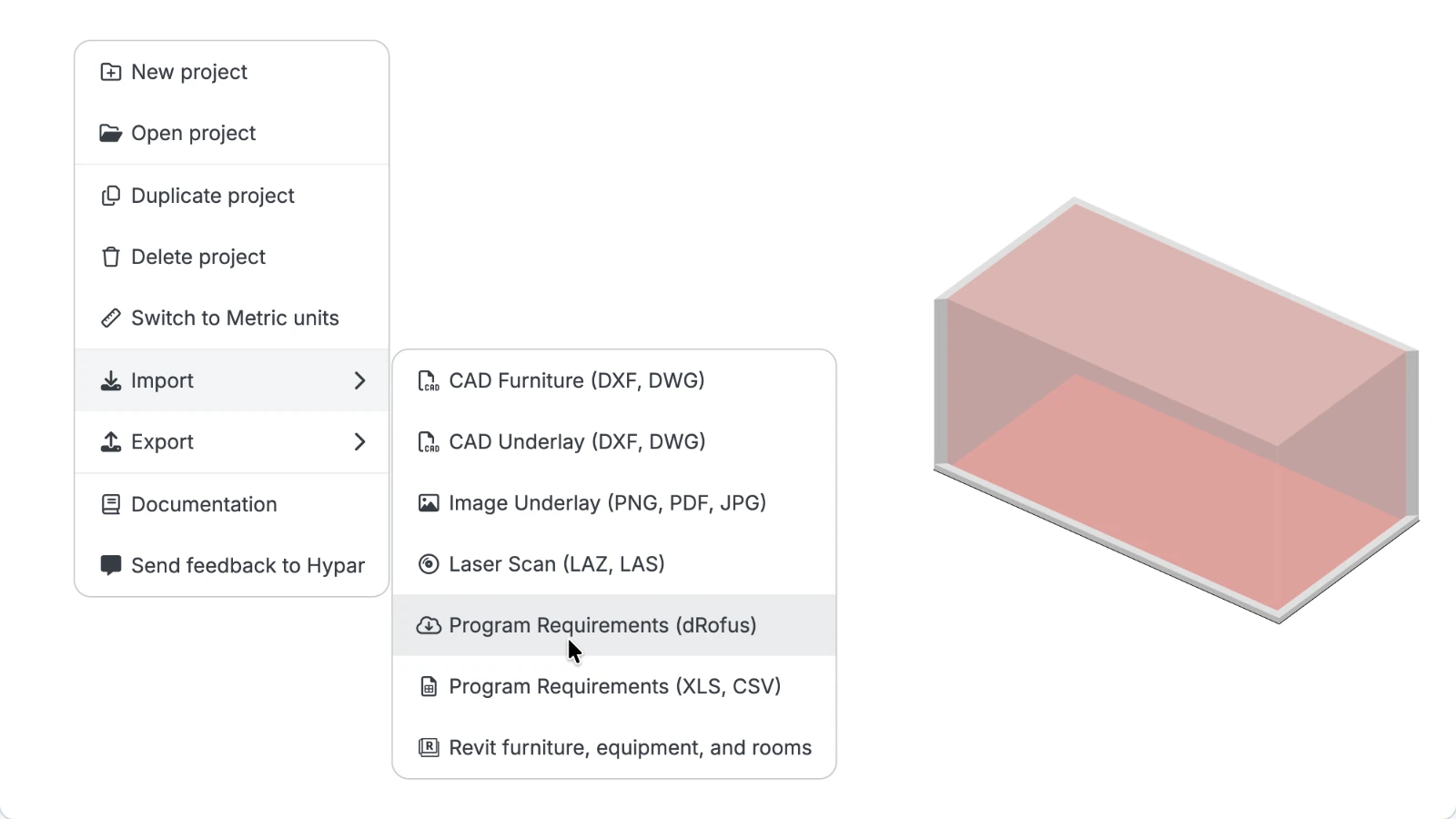
Moving a client's space list from a database into early layouts? Even if the database lists 300 spaces, now you can import the list, so your layouts answer the client's requirements.
Here’s how it works:
- Open Import and pick dRofus
- Link fields, starting with Program Name
- Receive spaces as program requirements
Get a program built from your database
- Requirements arrive ready to drag onto the plan
- Changes you make here stay out of dRofus