Import Program Requirements
Read counts and areas from a spreadsheet
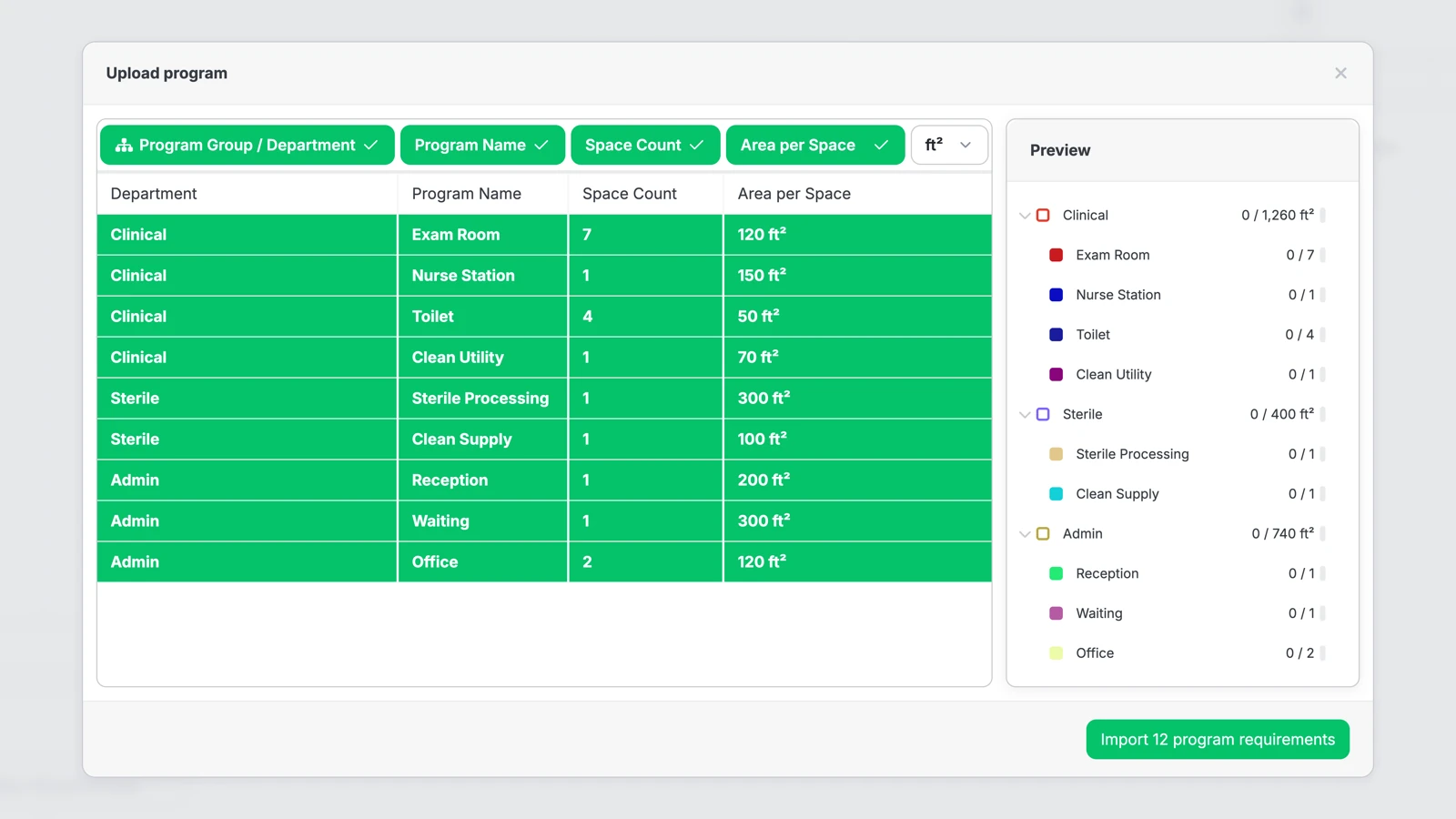
Turning a client's space list into a program? Even if the list has sixty spaces, now you can map columns and import, so your program matches the client's numbers.
Here’s how it works:
- Open Import › Program Requirements
- Map columns, starting with Program Name
- Click Import to add the space types
Get your list as space types in your program
- Import a revised spreadsheet to update your program
- Confirm before they're added