Line Up Spaces
Align several edges onto one shared line
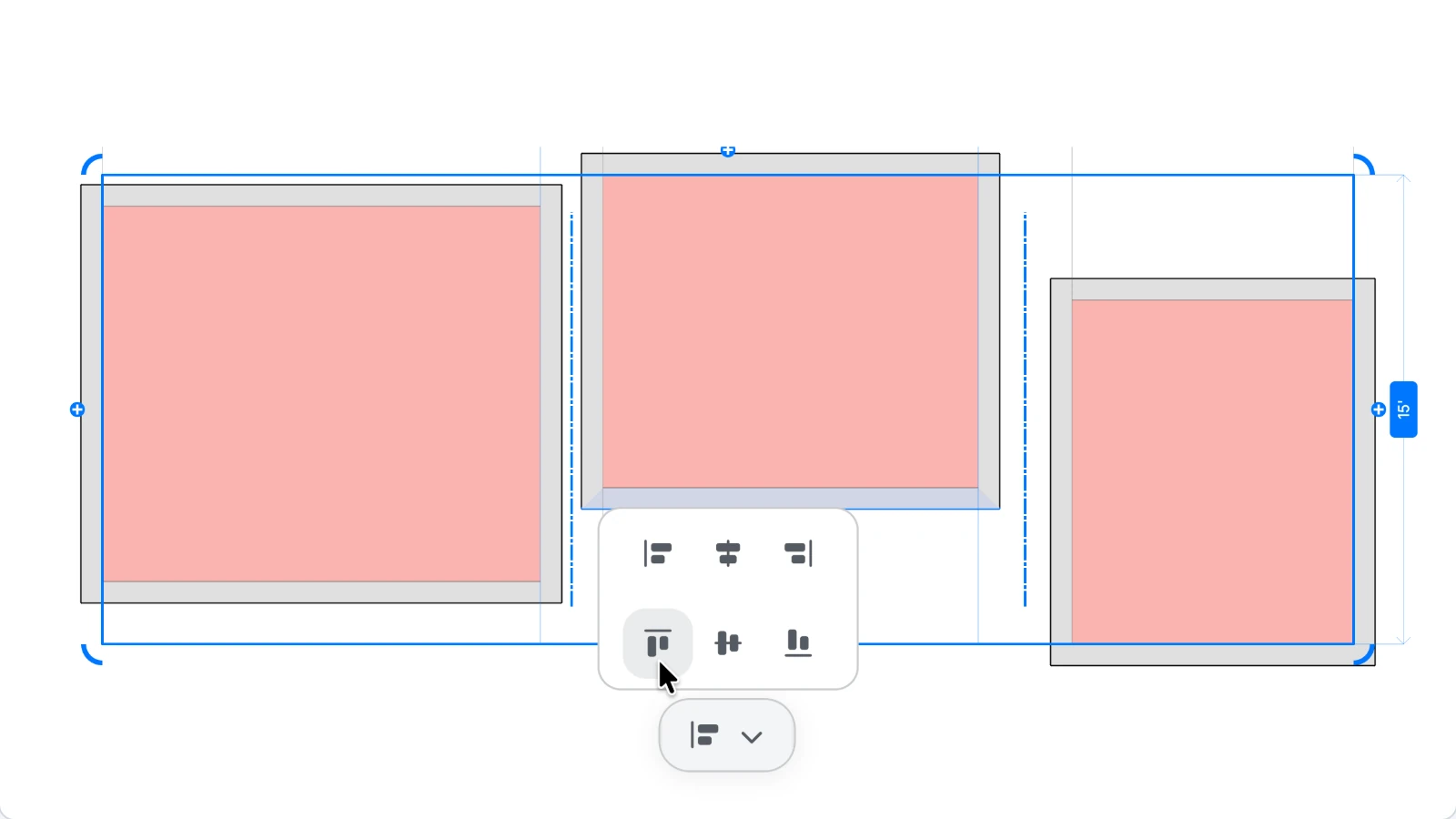
Presenting a clean floor layout at a client meeting? Even if 20 edges sit slightly off, now you can align the edges to one line, so your client reads a clean layout.
Here’s how it works:
- Select the spaces to align
- Open Align Selected
- Choose an edge or the center
Get flush edges across your selection
- One step for many spaces
- Works in 2D or 3D