Show Diagrams in 3D
Stack your bubble diagram by level in 3D
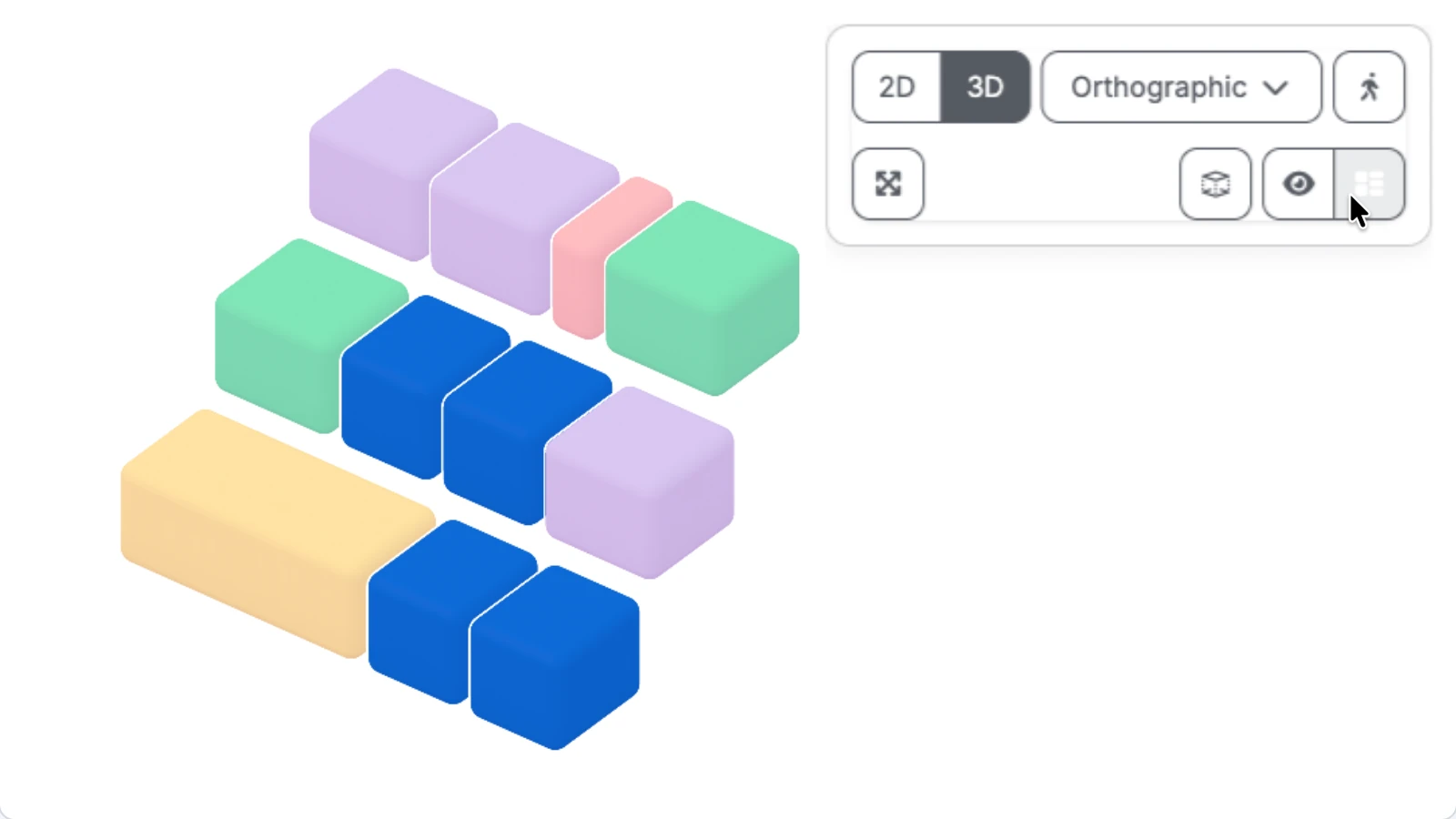
Walking a client through a multi-level program? Even if your clinic has three levels, now you can stack bubbles by level, so your client sees which department sits on which level.
Here’s how it works:
- Click Diagram in your view controls
- Click 3D or Exploded View
- Rotate your view to read each level
Get departments shown as bubbles on each floor
- Click Detail to bring back walls and furniture
- Start a walkthrough to return to the full layout