Switch to Diagrams
Turn spaces into bubbles for client talks
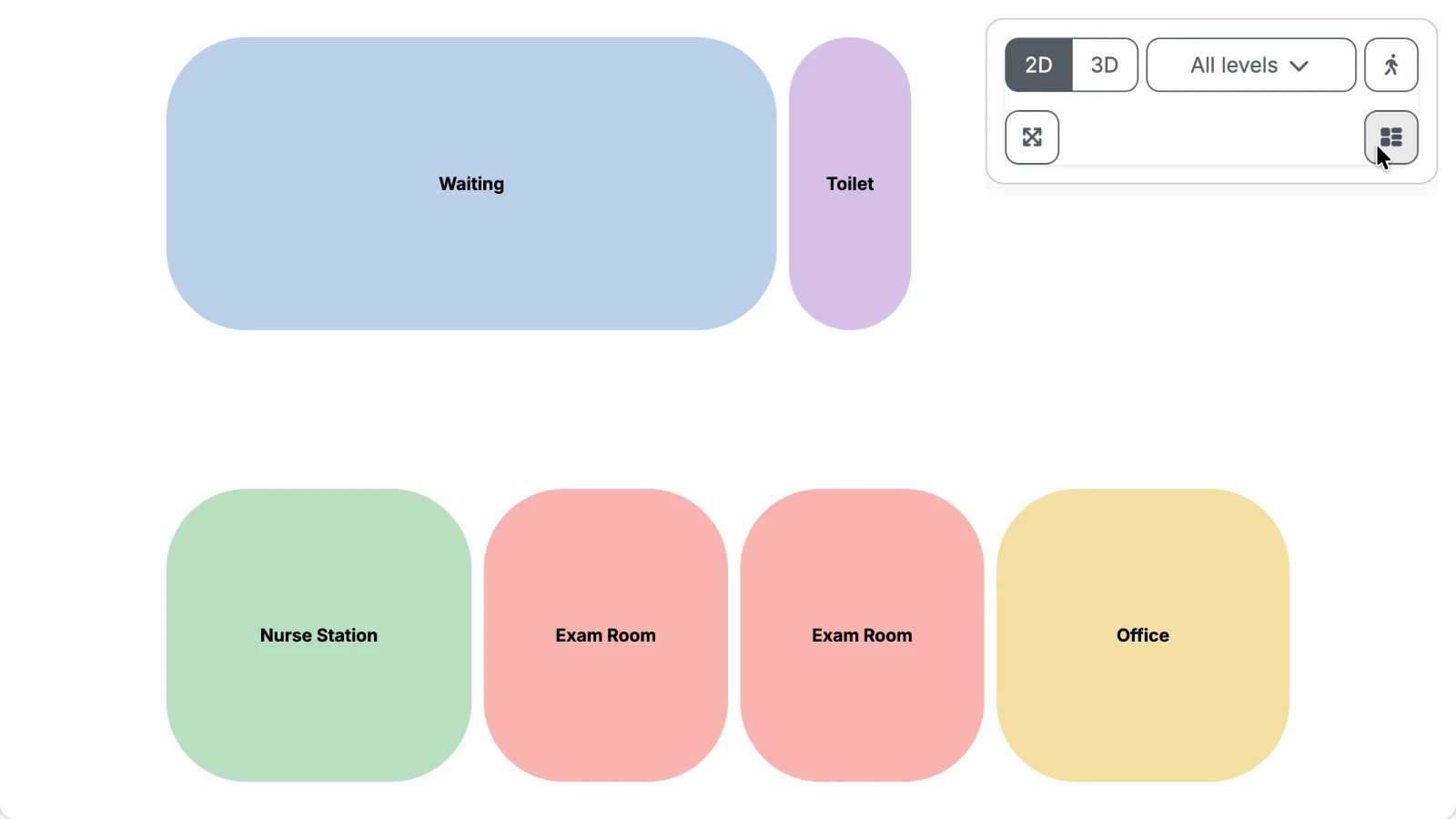
Starting a client conversation before you have a layout? Even if a hospital program has 60 spaces, now you can show spaces as bubbles, so you switch between bubbles and plan without rebuilding.
Here’s how it works:
- Click Diagram in your view controls
- Drag spaces to rearrange the bubbles
- Click Detail to return to the full plan
Get a bubble view clients can follow
- Switch back to the full layout anytime
- Diagram PDFs take a custom title block