Add Exploded Axons
Pull levels apart in 3D to show stacking
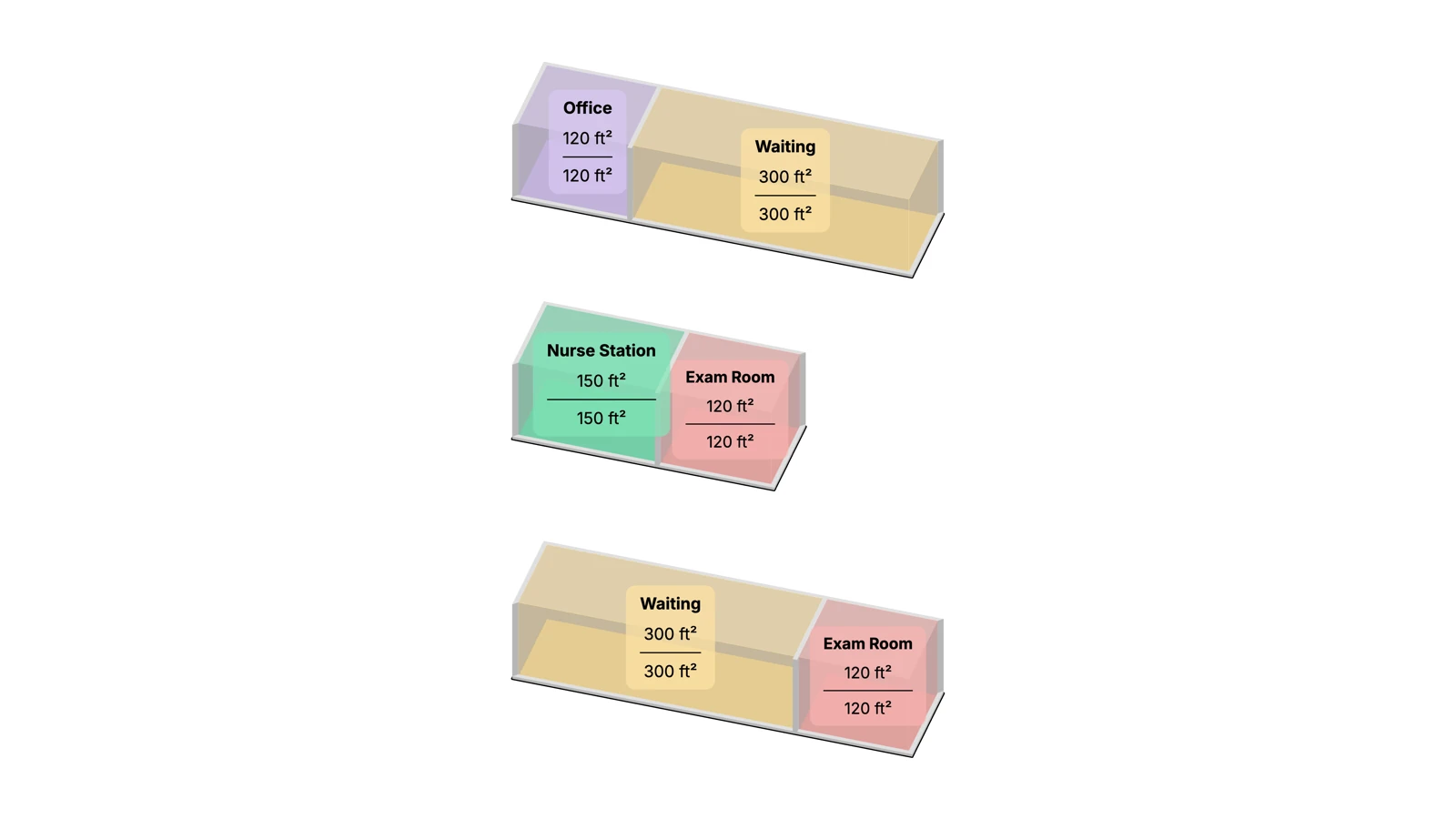
Showing a client how levels stack? Even if your hospital has six levels, now you can spread levels apart in 3D, so your client follows one level at a time.
Here’s how it works:
- Click Exploded View in the view controls
- Drag Explode Factor to spread the levels
- Rotate your view to see each level
Get a 3D view with a gap between levels
- Each level separates in the view
- Click Exit Exploded View to go back to editing