Add Dimension Annotations
Mark key sizes on your plan
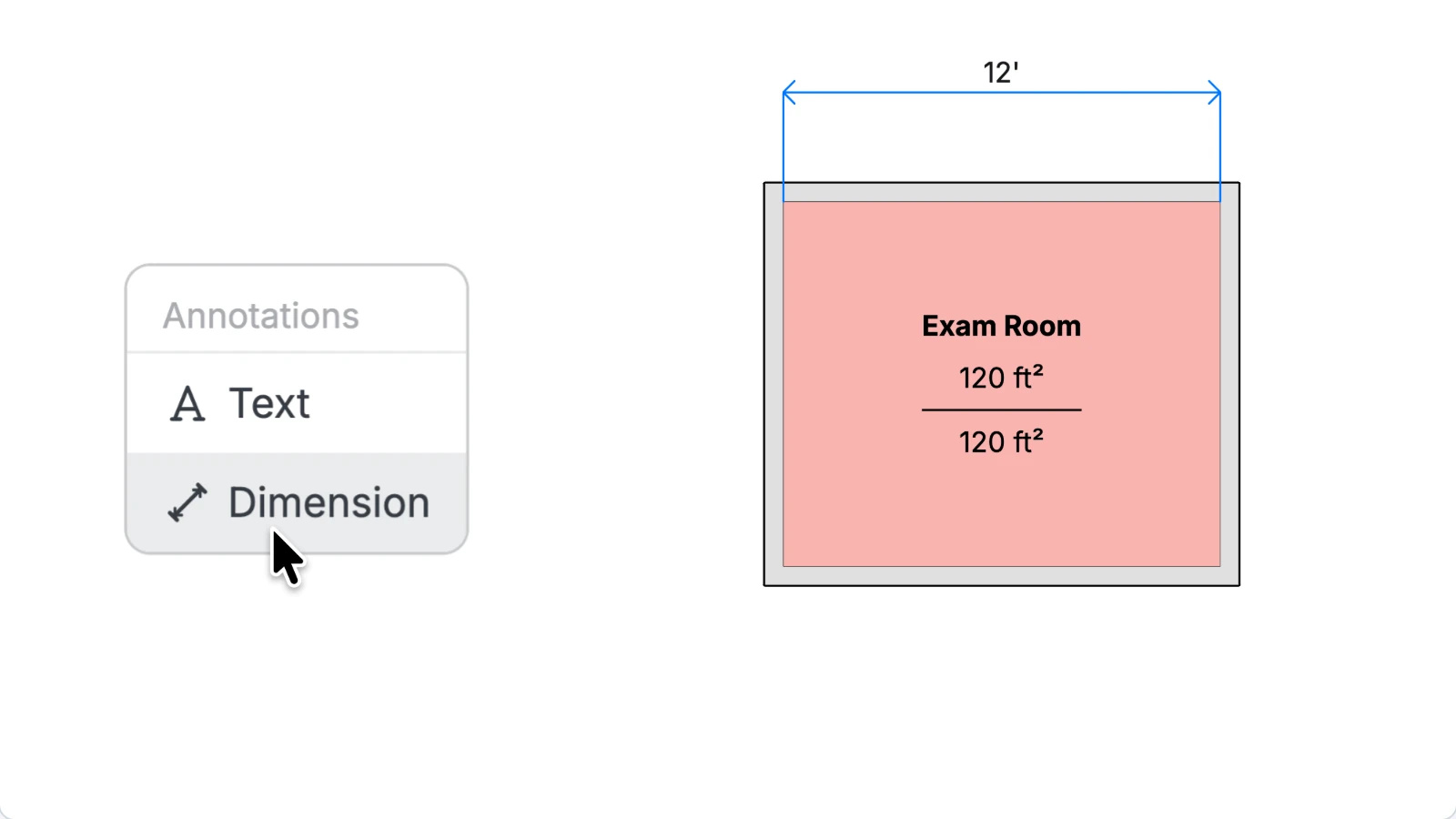
Showing a client the distances that matter? Even if a clearance is only three feet, now you can mark the exact size, so you and your client discuss the same numbers.
Here’s how it works:
- Open Annotations › Dimension
- Click the two points to measure
- Click again to place the line
Get dimensions that update when elements move
- Pick the two points that matter
- Stays on the plan for your team