Add Text Annotations
Write notes on your plan
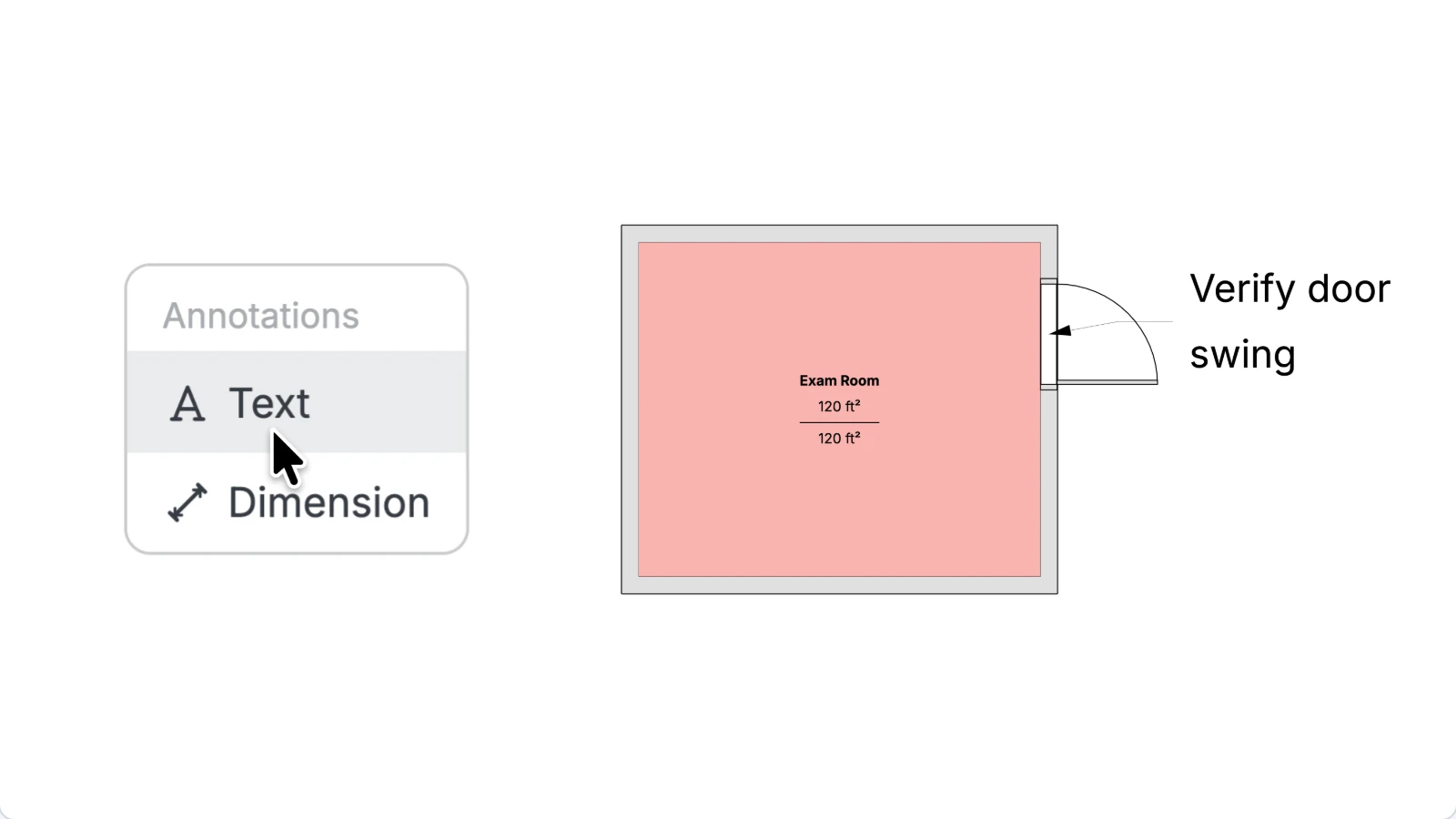
Leaving a reviewer a note right where the issue is? Even if your client flags 20 issues, now you can place a note at each issue, so you skip describing locations in email.
Here’s how it works:
- Open Annotations › Text
- Click your plan where the note goes
- Click inside the note and type
Get notes beside the spaces they concern
- Notes record design decisions
- Reviewers read them in place