Add Round Columns
Switch selected structural columns between square and round
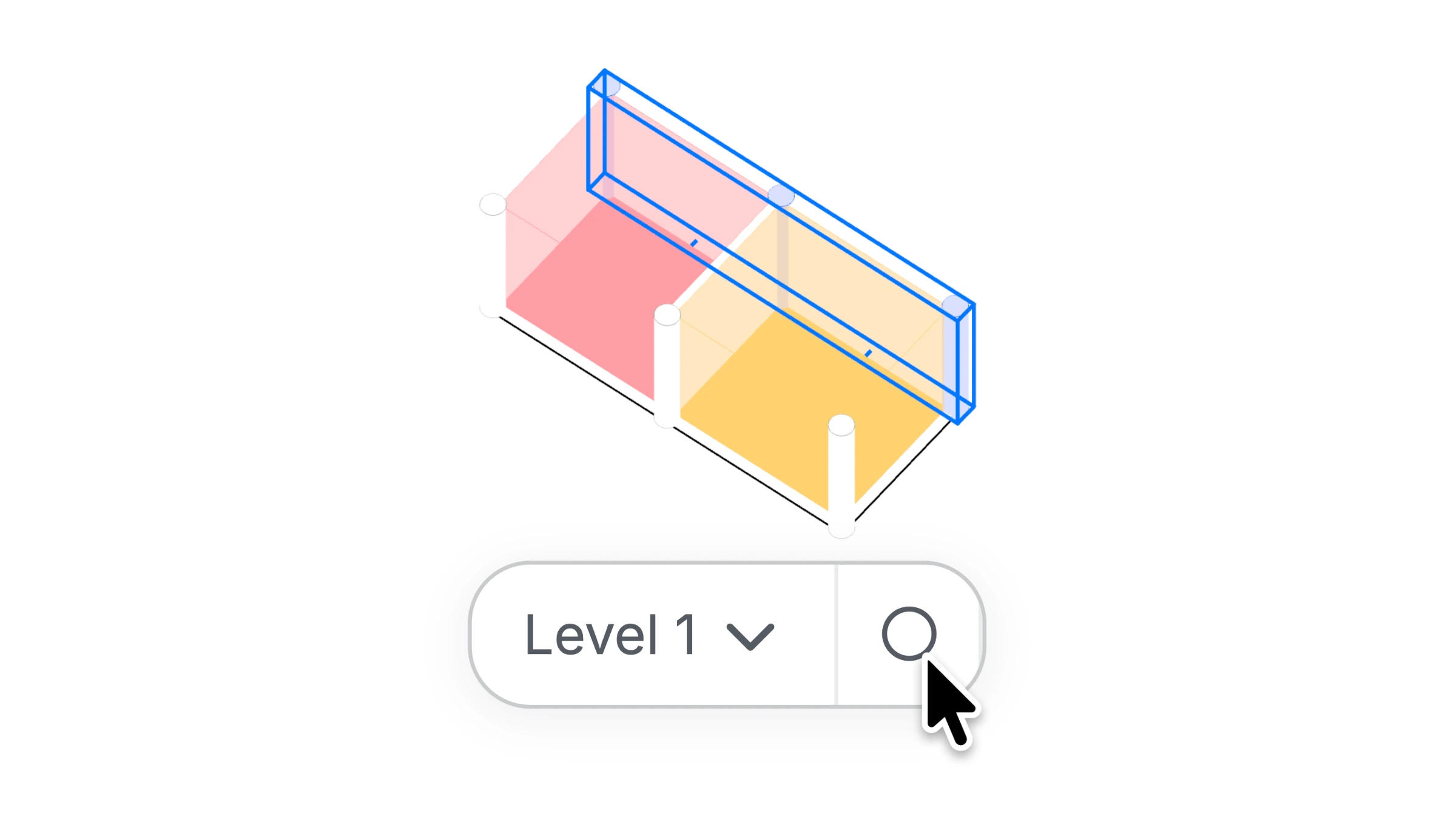
Following an engineer's column layout on your plan? Even if 32 columns on a level are circular, now you can make the whole selection round, so your plan matches the structure.
Here’s how it works:
- Select columns on your plan
- Click Make round on the toolbar
- Click Make rectangular to switch back
Get circular columns at the width you set
- Round a column and its width becomes the diameter
- Switch back to get a square at the same width