Add Doors
Show how people move between spaces
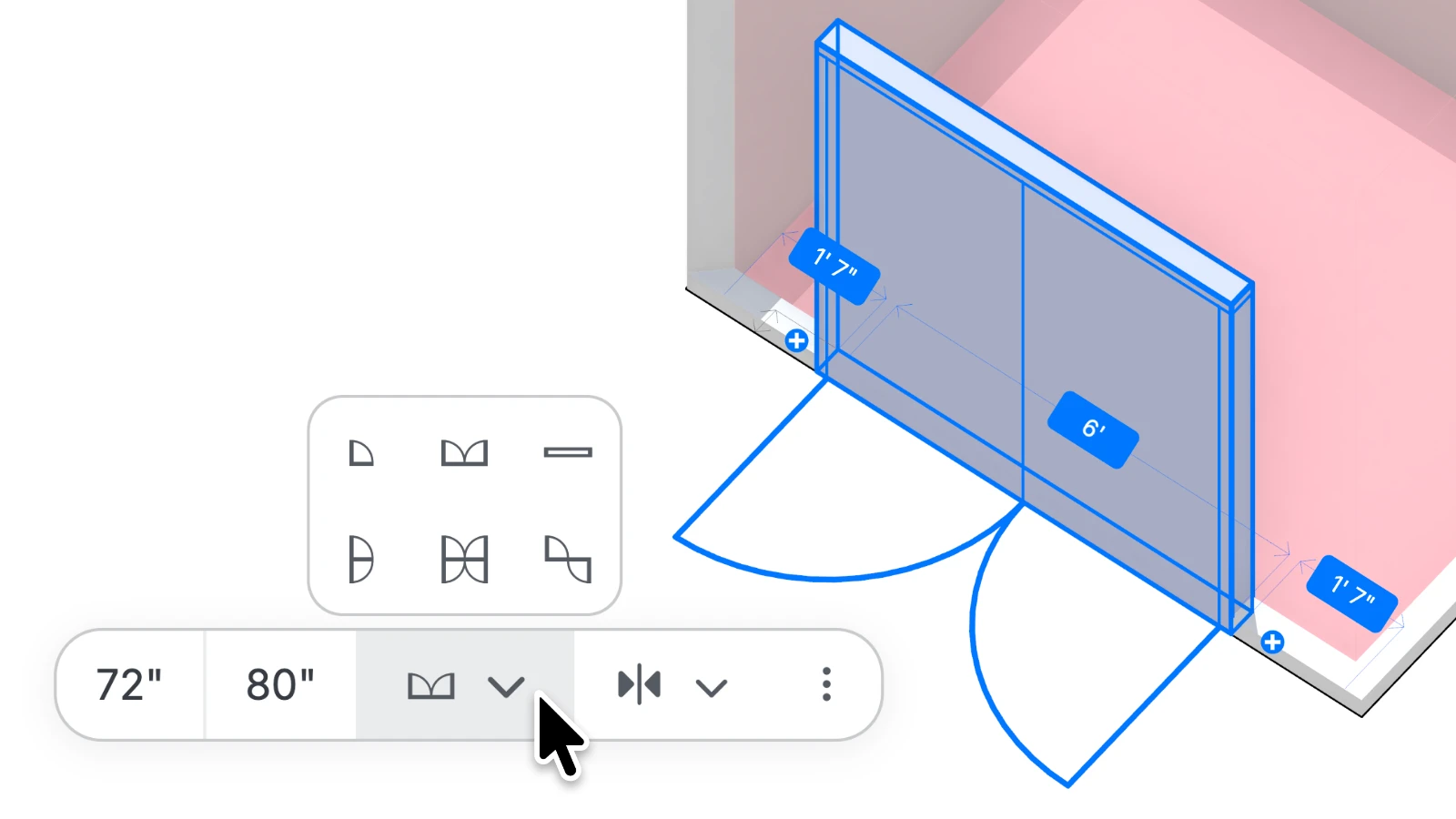
Showing a client how people move between spaces? Even if a clinic has twelve entries, now you can set the style and width of each door, so your client sees how people move.
Here’s how it works:
- Click Door in your toolbar
- Click a wall where people pass
- Set the door Style and Width
Get an opening in your wall
- Doors and openings sit in your walls
- Click a second time to pick the swing side