Resize Doors and Windows
Set a width by dragging or typing
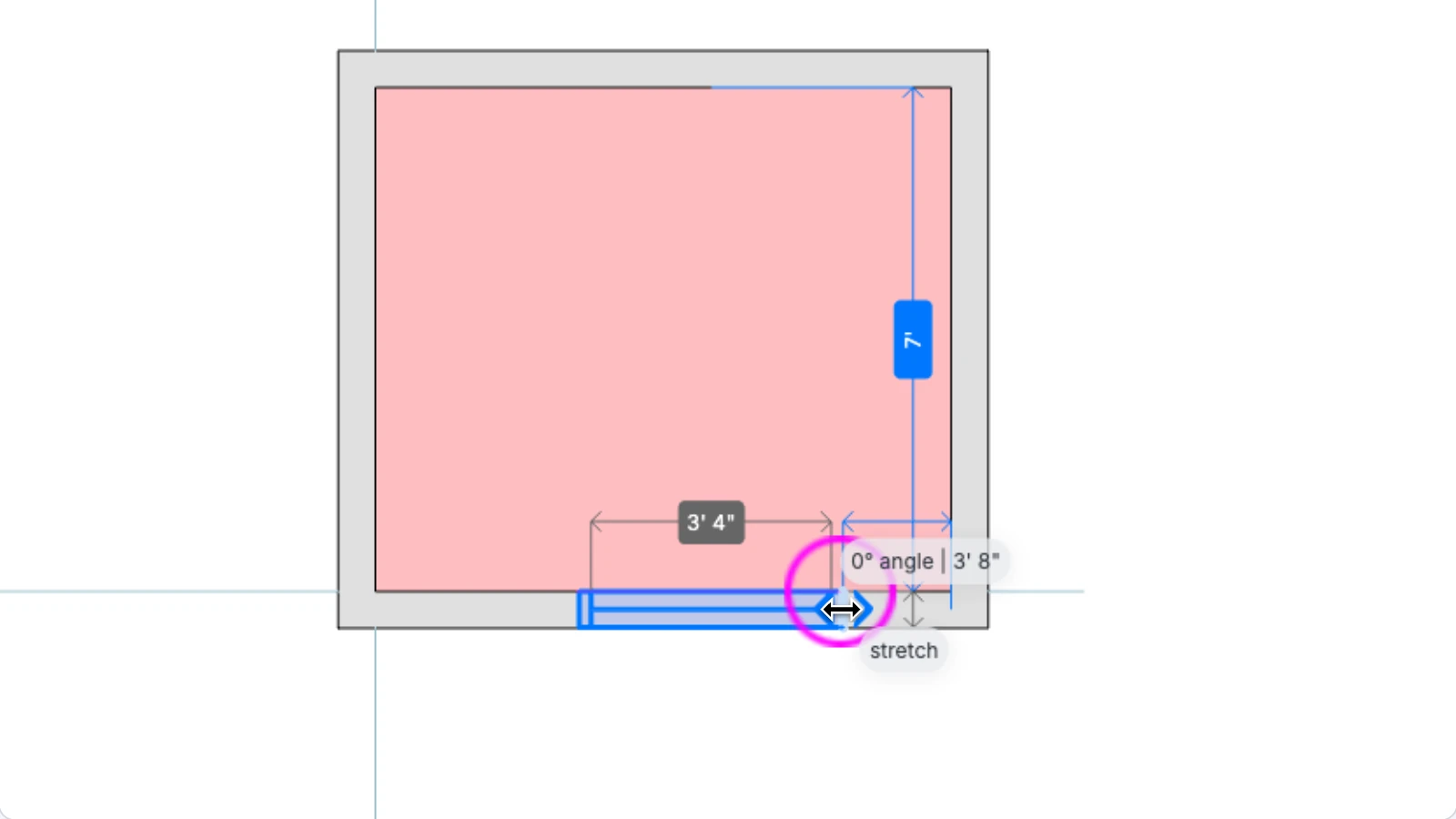
Trying a wider door in one option only? Even if each option needs its own width, now you can drag a door or window to fit, so your client compares real alternatives.
Here’s how it works:
- Select a door or window
- Drag an edge to the width you want
- Or set Width on the selection toolbar
Get openings that fit their walls
- Type an exact width and height in the selection toolbar
- Doors and windows each remember their last settings